
August 2, 2019 11:07 am
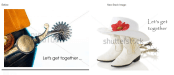
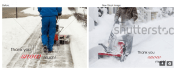
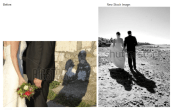
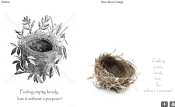
– If the stock image you choose is a different orientation than the original image that’s ok. One little oddity is the inside verse image will show in the old orientation. Use the orange button “Save and Edit Inside Verse” to correct this, simply click on the inside text image box (as if you’re going to edit the text) and click the orange button “Save” and it will correct itself.

Posted by GCUAdmin
Categories: Nuts & Bolts, Tips & Tricks
Tags: bigstock, nuts and bolts, stock cards, tips and tricks
Mobile Site | Full Site
Get a free blog at WordPress.com Theme: WordPress Mobile Edition by Alex King.