Nuts and Bolts: Stock Card Creations Unmatched Image.
November 1, 2019

Nuts & Bolts – Stock Card Creations Unmatched Image
As I continue to update some of my own Stock Card Creation cards that had unmatched images, I’d like to share some before and after images.
Don’t be discouraged if at first you do not find a near identical image. If you explore enough and try different search terms you will find an image that will work and may even be a breath of fresh air.
BEFORE:
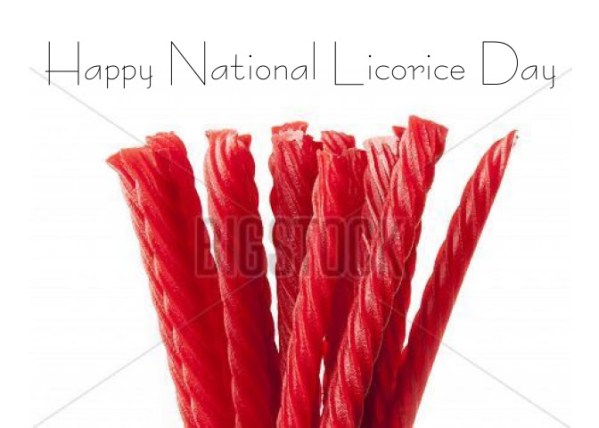
NEW STOCK IMAGE:
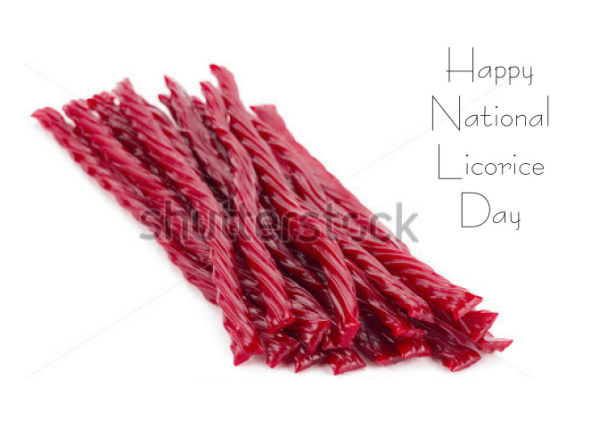
NOTE: A few tips to make things easier:
– After updating the image and card you are brought back to the Manage Cards page, often not to the card you were working on. Beforehand, simply write down or paste on a notepad the pid# of the card you’re working on and if you are not brought right back to it in Manage Cards enter the pid# in the “Find Specific Cards by: Product ID” box on the left. This brings you to the card to click the all important orange RESUBMIT button.
– If the stock image you choose is a different orientation than the original image that’s ok. One little oddity is the inside verse image will show in the old orientation. Use the orange button “Save and Edit Inside Verse” to correct this, simply click on the inside text image box (as if you’re going to edit the text) and click the orange button “Save” and it will correct itself.
– When updating a series and using the same new stock image, be sure to note the new stock image id. When updating the image for the balance of the series simply enter this stock image id into the search box to locate the image quickly vs search terms and re-searching for the desired image.
– Lastly, I add the following comment at the end of my Notes to Reviewer “updated with new stock image”.
Please see this prior post on Unmatched Image Card Tips
The difference is made in the details!
Mindy
GCU Community Manager
GCU Community Manager
Share this:

No comments yet

 GCU Community