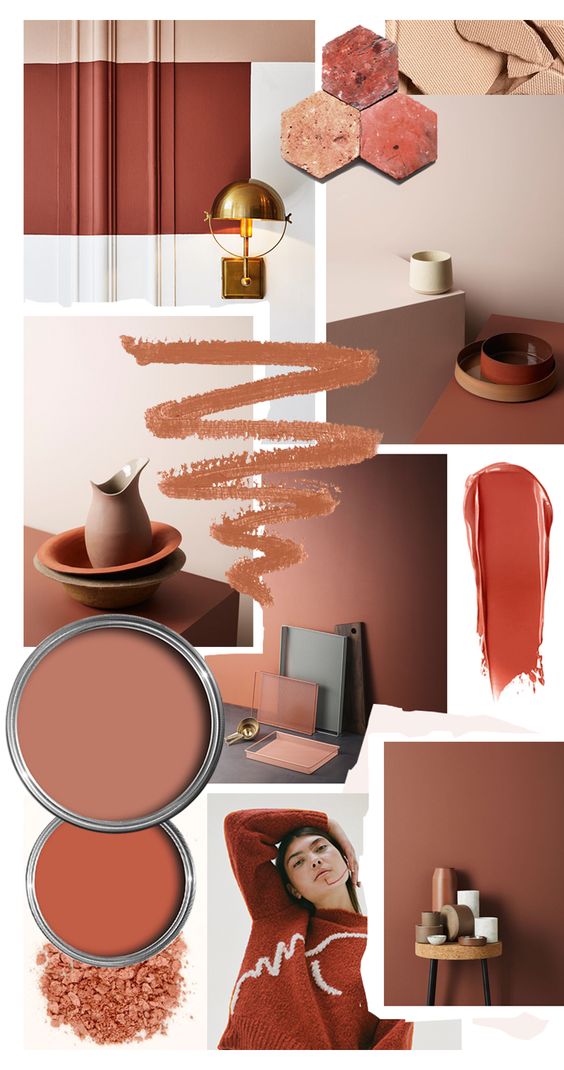
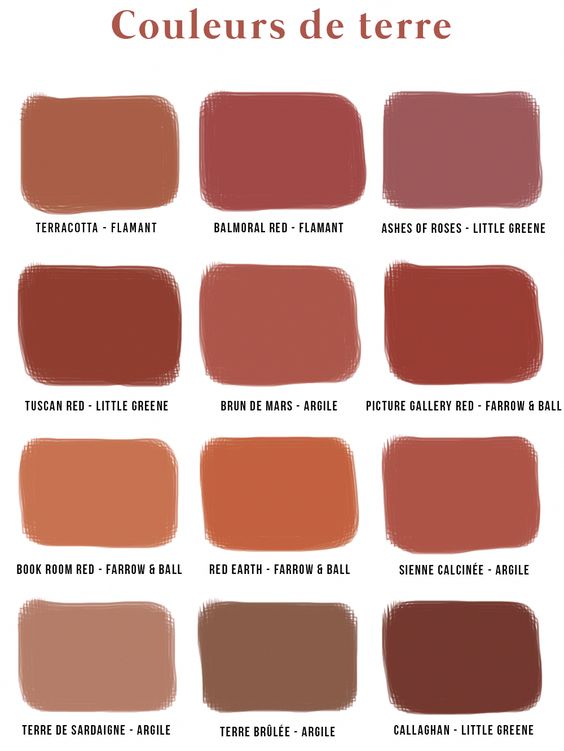
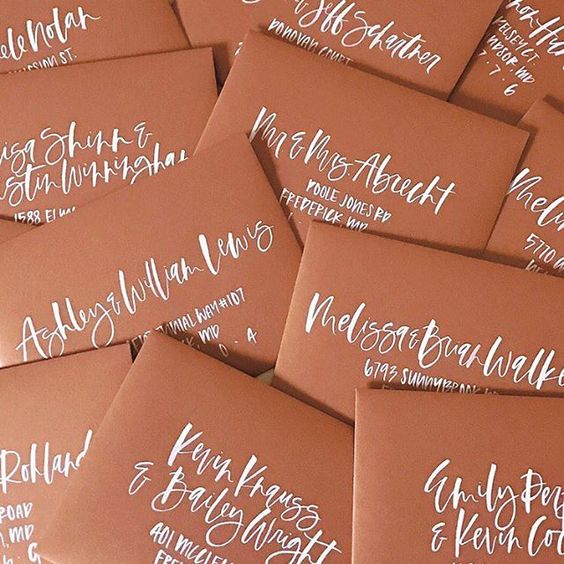
Rainbow Connection: Colortrend 2019 Terra Roza






Share this:

Dash of Inspiration: 2018 Founders’ Choice Awards.

1. Best New Artist: Sharon Dominick of Sharon Dominick Photography

Honorable Mentions Best New Artist: Anne Johnson of Greetings from Anne

and Dale Simpson of Dale Simpson Design

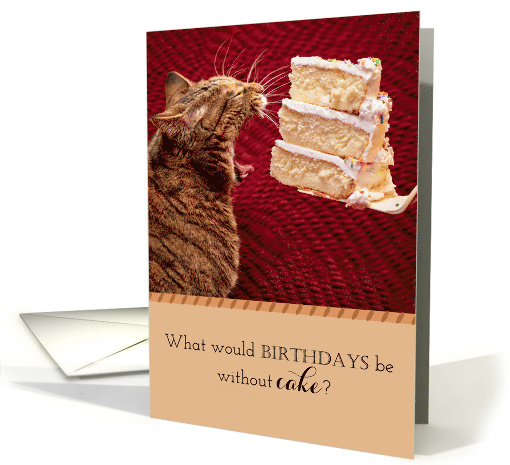
Honorable Mention Best Overall New Card: Mindy Pierce – #1549658
 3. Hottest Seller: Mindy Pierce – #1508240

Honorable Mentions Hottest Seller: Kathleen Johnson of Encouragers for Christ – #1523736
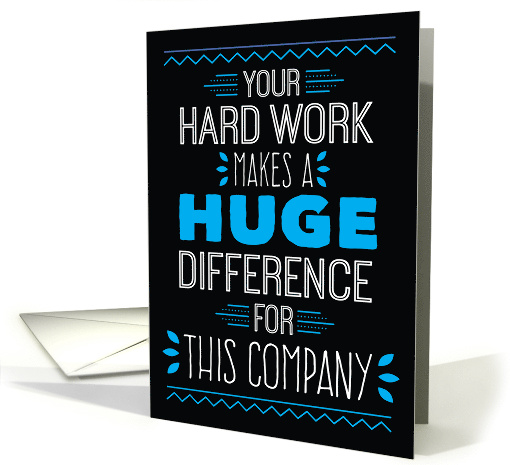
and Doreen Erhardt of Salon of Art – #1539808
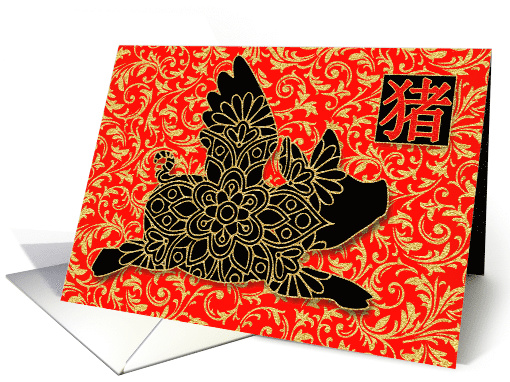
4. Best Custom Front (Text): Robin Chaffin of Simply Put by Robin – #1516744
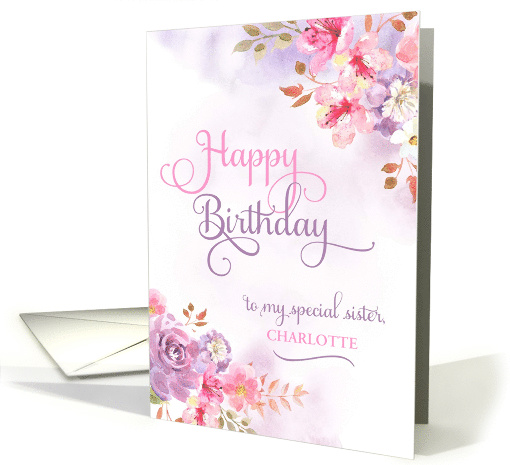
Honorable Mention Best Custom Front (Text): Pamela Jorgensen of PamJArts – #1519542
 5. Best Custom Front (Image): Doreen Erhardt of Salon of Art – #1545192
 6. Best Business Logo: Valerie Waters of Valerie’s Gallery – #1542680
 7. Funniest Card: Nobleworks – #1544470
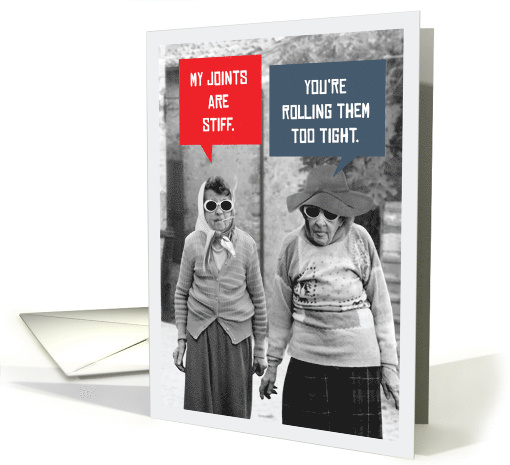
Honorable Mentions Funniest Card: Sharon Dominick Photography – #1519434

and Ron Magnes of Creative Greetings – #1529412
 8. Most Creative Stock Card Creation (BigStock): Anne Johnson of Greetings from Anne – #1532966
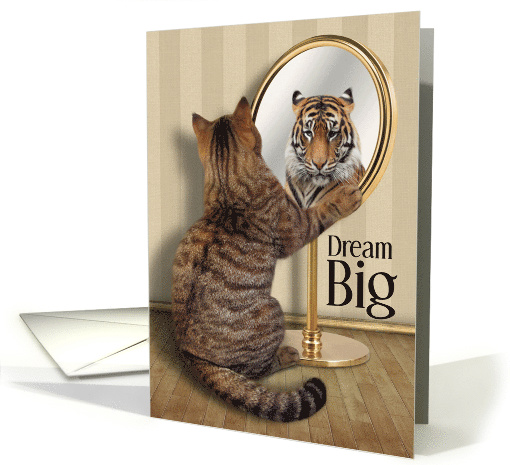
Honorable Mention Most Creative Stock Card Creation (BigStock): Doreen Erhardt of Salon of Art Exclusive Creations – #1508022
 9. Rising Star: Barbara Schreiber – #1519078
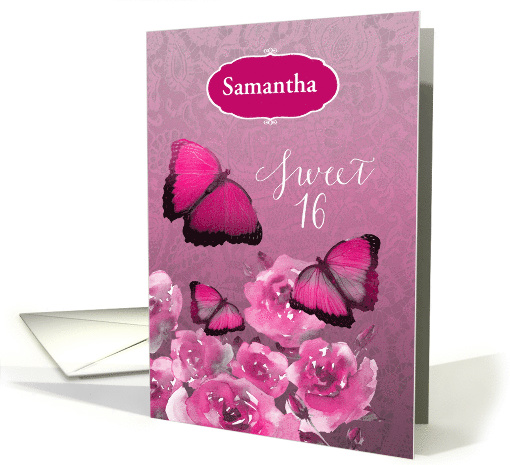
Honorable Mention Rising Star: Ness Nordberg of The XMAS Store – #1551084

10. Custom Request – Nailed it: Carol Kearns of WilBi Designs – #1548864
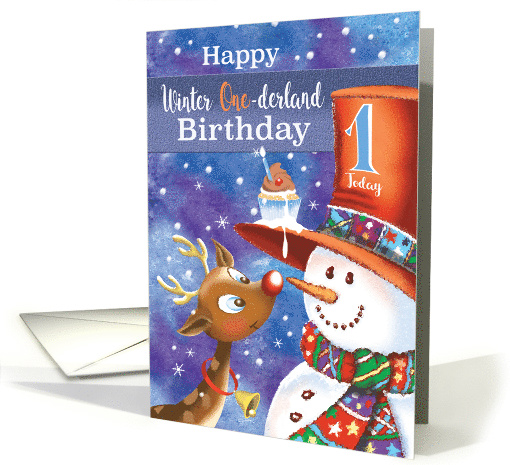
Honorable Mentions Custom Request – Nailed it: Cisillia Tay – #1524228

and Kate Taylor – #1528192
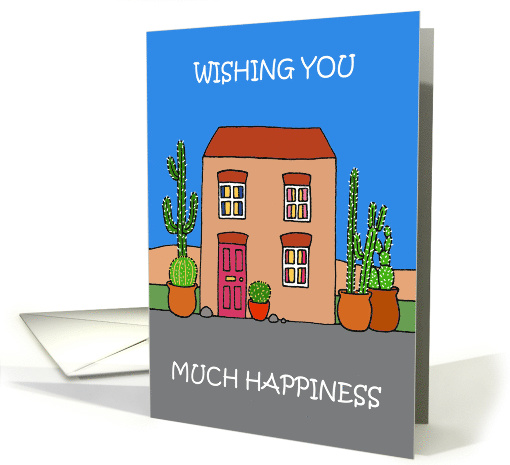 11. Best Uncommon Card: Natalie Kinnear – #1523206
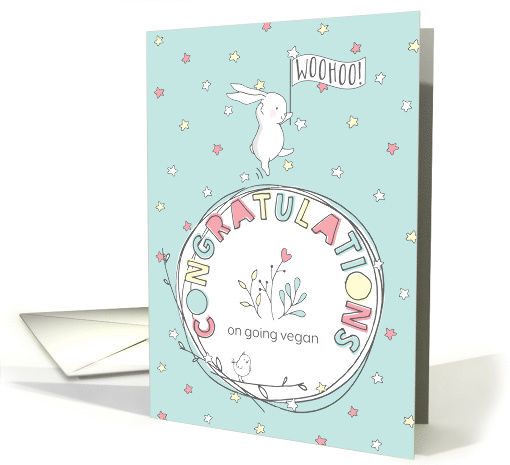
Honorable Mention best Uncommon Card: Shoaff-Ballanger Studios – #1553536
 12. Best Design Challenge Submission: Julia Bryant of JJBDesigns – #1513650
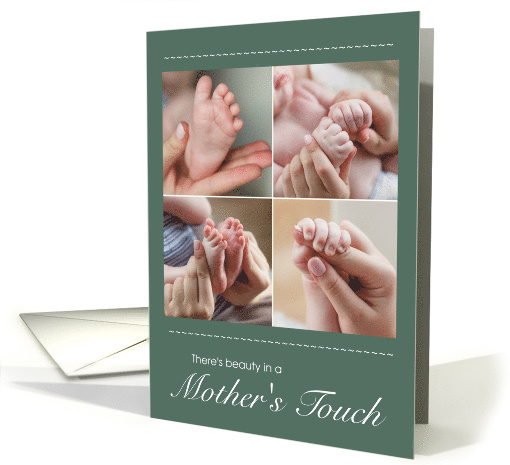
Honorable Mention Best Design Challenge Submission: Melinda Pritzel of Yowzers – #1518096
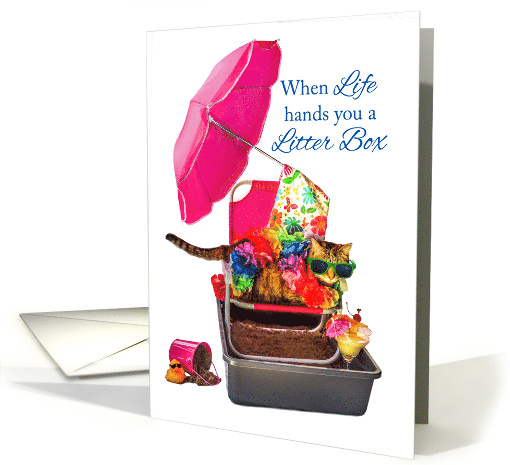 13. Simply Clever: Anne Johnson of Greetings from Anne – #1509634
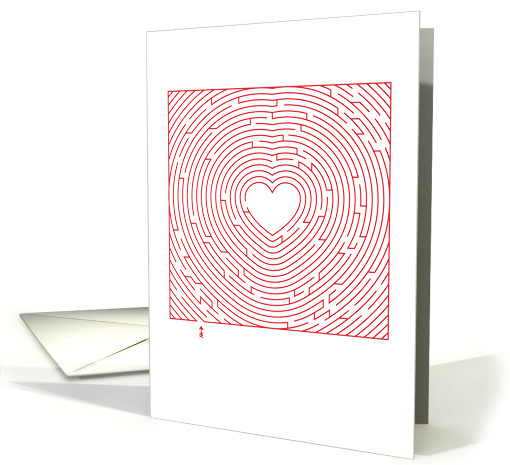
Honorable Mention Simply Clever: Lisa Crisafi of Nest to Nest Greetings – #1513886

14. Reviewers’ Choice: Fiona, Reviewer #825 – Natalie Kinnear – #1539044

Ella, Reviewer #758 – Amy Hadden – #1533108

Mackenzie, Reviewer #528 – Stephie McCarthy – #1538578
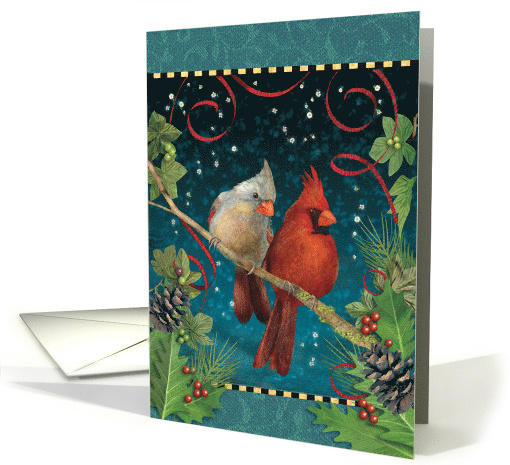
Desiree, Reviewer #121 – Sandra Rose Designs – #1519626
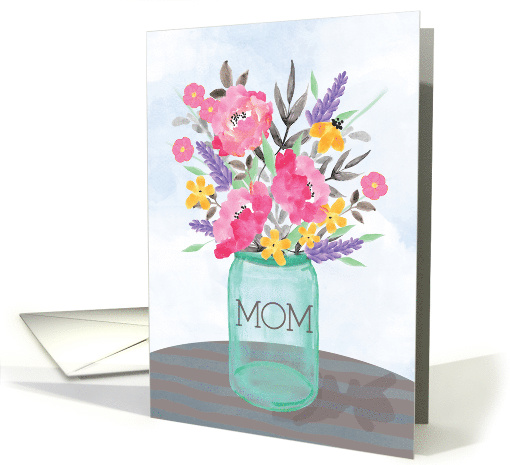
Phoebe, Reviewer #443 – Makiko Kimura – #1509282

John, Reviewer #233 – Kathleen Johnson of Encouragers for Christ – #1532386

Catherine, Reviewer #871 – Sharon Dominick Photography – #1544938

Victor, Reviewer #992 – Dale Simpson Design – #1548692
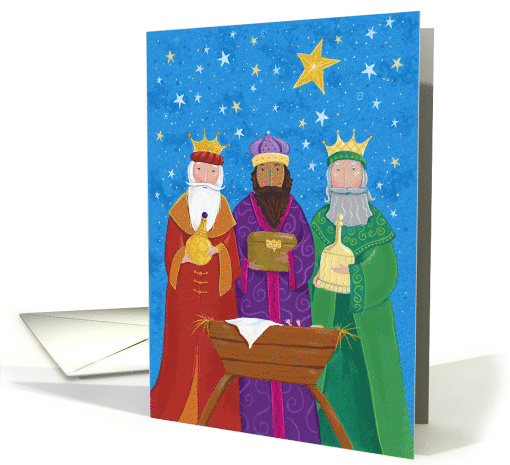
Sue, Reviewer #120 – Lyska Kitties Zone – #1517050
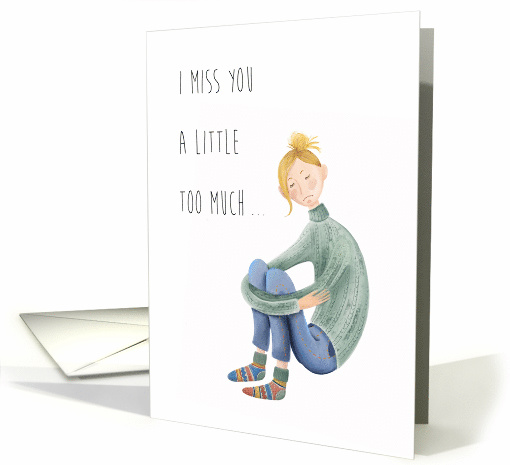
What an amazing line up and such a very difficult job for our judging team. So many great new cards to consider and simply not enough awards. It was a trip down memory lane reflecting all the new additions, artists and cards, that made 2018 another awe inspiring year at Greeting Card Universe. Thank you to our amazing community of artists for your endless creativity and support!
Mindy
GCU Community Manager
Share this:

Nuts and Bolts: Graduation 2018 to 2019


GCU Community Manager
Share this:

Wanted New Cards: Valentine’s >> Coupons IOU & Secret Crush Reveal

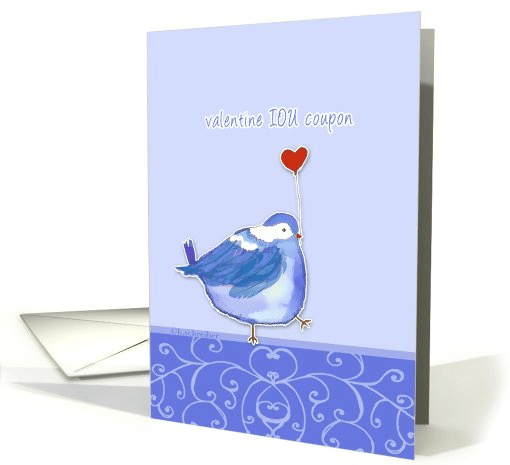
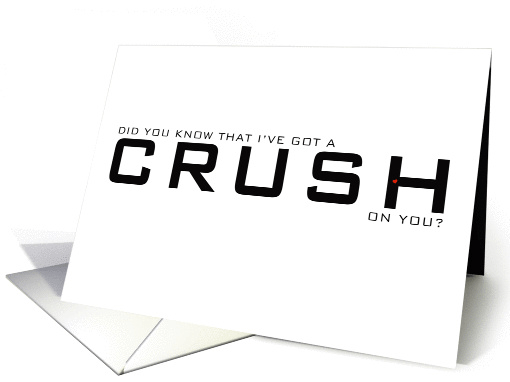
Share this:

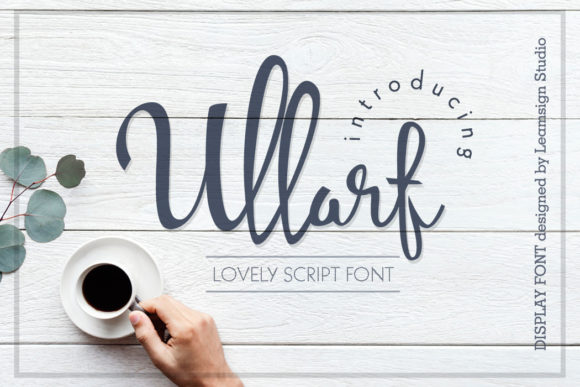
Freebie Wednesday: Ullarf Font
Freebie Wednesday:
Ullarf Font is a lovely script font and it’s free at Creative Fabrica for another 5 days so you better hurry. Don’t miss out!


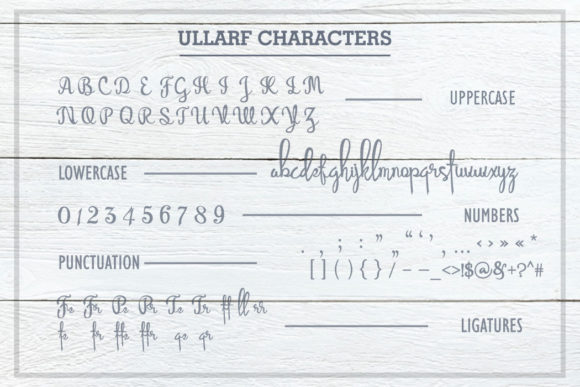

This product comes with a complete commercial license.
Share this:

Rainbow Connection: Pattern Curator.
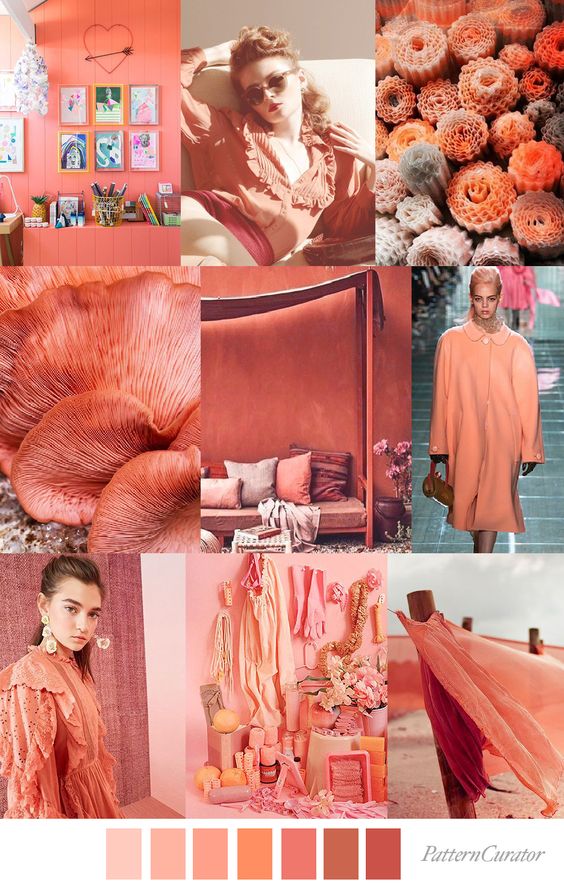
Pattern Curator is always a fun source for color, print & pattern inspiration, trend forecast and trend insights. Get inspired!




Share this:

Nuts and Bolts: Custom Request Design Change


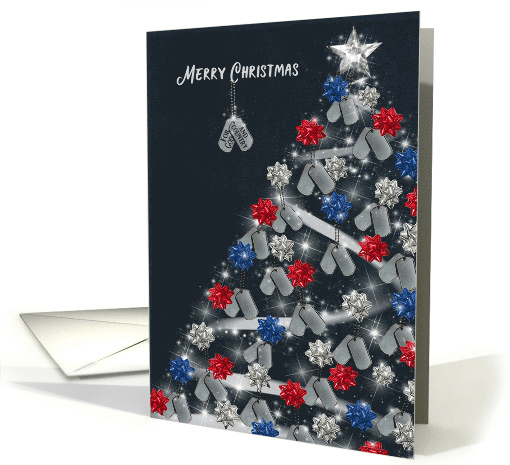
Maria hopped on the request right away communicating with the shopper and completed their request in TWO DAYS! Now I call that a Christmas miracle! Congratulations on the sale, Maria, and a big thanks for taking such good care o the shopper and making all of us at GCU look like holiday heroes!
GCU Community Manager
Share this:

Wanted New Cards: Taco Twosday Birthday

Share this:

Freebie Wednesday: Katulamp Font
Freebie Wednesday:
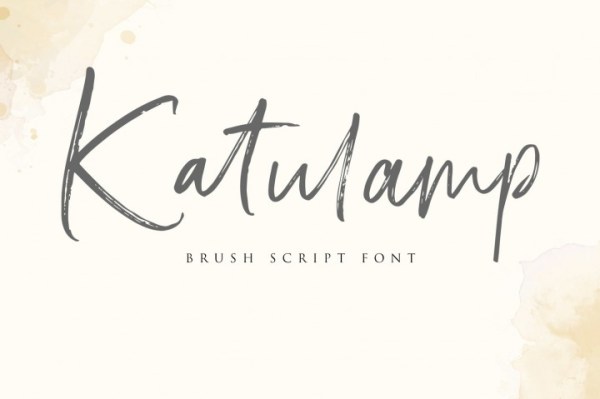
Katulamp is a free brush script font (by Resume Land) and freebie of the week at The Hungry Jpeg. Don’t wait too long, the offer expires in 6 days!



This product comes with a complete commercial license.


