Skip to content

Dash of Inspiration: GCU Storefront

September 12, 2016

DashInspirationBanner_2015

Tis the time of year when I’m always inspired to give my GCU Storefront a fresh face for the upcoming Holiday Season and I wanted to share a few tips which might be an inspiration for your own store.

Arranging your Gallery looks more ominous than it really is. Here’s a trick that I use to arrange my cards for the holiday season.

  • Go to Administrative Settings » Images & Cards » Arrange Gallery
  • On the lower portion of that page is Advanced Positioning – In the “Change position of cards with keywords” field I entered Halloween – in the “to position” field I entered 1.

sep_12_2016_a

Now all my Halloween cards begin on the “ARTIST CHOICE” view beginning in the first position of my storefront.

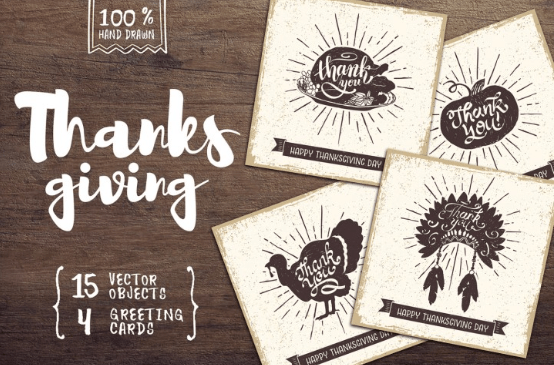
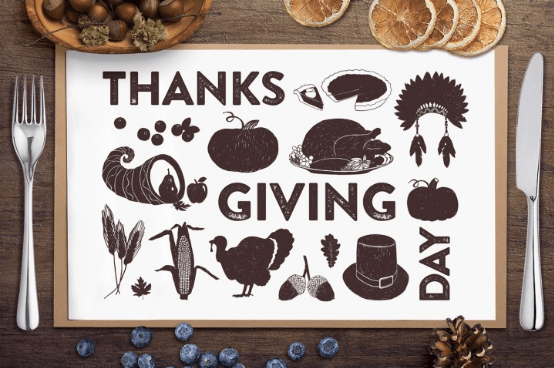
Next is Thanksgiving. So …

  • Go to your Public Storefront View (Artist choice view) and find what position your Halloween cards END. For me, that was position 90:

sep_12_2016_b

  • Go back to Administrative Settings » Images & Cards » Arrange Gallery
  • On the lower portion of that page is Advanced Positioning – In the “Change position of cards with keywords” field I entered Thanksgiving – in the “to position” field I entered 91.

Now it’s a repeat the process to show Christmas for example which is what I did next by placing Christmas in position 252.

My choice was to then use my Featured Card area to showcase Kwanzaa, New Years, Winter Solstice, Hanukkah and Chinese New Year.

While you are arrange. Give your store a fresh look by possibly creating a new banner, tidy up those old bulletins. Reduce the ‘clutter’ in your side panel. Perhaps your bio has changed.

Hope you find these tips inspiring and don’t forget to check out this month’s Dash of Inspiration Design Challenge.

Nuts and Bolts: The Art of the Title

September 9, 2016


Nuts & Bolts – The Art of the Title


A card title is just that, a title.  A one liner that gives the reader a quick idea of what to expect.


Along with the other important descriptive fields for your cards, like the keywords and Artist Notes fields, your card title provides valuable data and clues to both shoppers and search engines.


What are the makings of an effective card title?
1. Descriptive
2. Unique
3. Differentiating terms first, especially when part of a series
4. Does NOT need the word “card” in it as GCU appends that automatically
5. Does NOT need punctuation like commas or periods
6. Proper capitalization use of upper & lower case
7. Reads like a sentence or short phrase, not “word soup” (a list of terms)


Here is a summary of the helpful Card Title tips that the review team provides to artists:


Please make your Card Title more descriptive and unique. It is very important to have a unique and descriptive card title that relates to your card and image that is as descriptive as possible within the allowed space. Titles are not only used by shoppers but also provide valuable data to search engines and will help searching shoppers find your cards. Do not use generic titles like XMAS1, XMAS2, etc. Titles should be meaningful to shoppers. If your card is a blank any occasion card please add the terms Blank Any Occasion into your title. Please do not add the word Card at the end of the title as GCU automatically adds this to all titles. Lastly, do follow proper punctuation using upper and lower case letters.


TIP: When creating card titles for a series you can use the same card title, but put the differentiating text at the start of the title so it catches shoppers’ attention at a glance.  This is also helpful when the display of a long title gets truncated.
 
for example:
Godson’s 1st Birthday with Teddy Bear and Train
Grandson’s 1st Birthday with Teddy Bear and Train
Son’s 1st Birthday with Teddy Bear and Train


If the differentiating text, relationship in this example, is placed at the end of the title it risks being truncated when displayed or overlooked when read and these titles will all appear identical.


1st Birthday with Teddy Bear and Train for Godson
1st Birthday with Teddy Bear and Train for Grandson
1st Birthday with Teddy Bear and Train for Son


See more about what makes a good card title on the GCU Community Blog here: https://gcucommunity.com/2012/05/16/nuts-and-bolts-card-titles/  


The difference is made in the details!


Mindy
GCU Community Manager

Wanted New Cards: Congratulations – New Baby – Single Mom

September 8, 2016

wanted new cards head

We have a new sub category that needs a special touch:

 new-baby-card-124808


We will be very picky in reviewing that these are tasteful and fitting for these non-traditional circumstances.


We only have 0 cards in this category:


We’d like you to create at least one card for these categories using the Stock Cards function (Bigstock) or your own graphic designs.

Remember, when you’re submitting your new card, add a little note about the intended category in your Notes to Reviewers. Be inventive,  be clever, be creative. Go for it!

Font Frenzy: Clockwise free font

September 7, 2016

The Hungry Jpeg has a lovely freebee  for you this week.
This Fun Looking Script Clockwise (Plus commercial license) by Deadlock Studio is 100% FREE of charge, for just one week.
the-clockwise-script-by-thehungryjpeg-thehungryjpeg-com
the-clockwise-script-by-thehungryjpeg2-thehungryjpeg-com

This amazing font comes complete with a full commercial license, allowing you to use these beautiful fonts across a wide range of commercial activities.

Rainbow Connection: September Color Inspiration

September 6, 2016

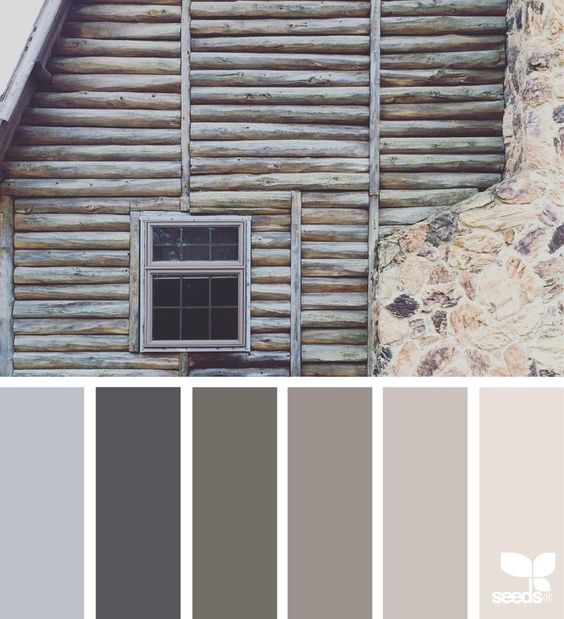
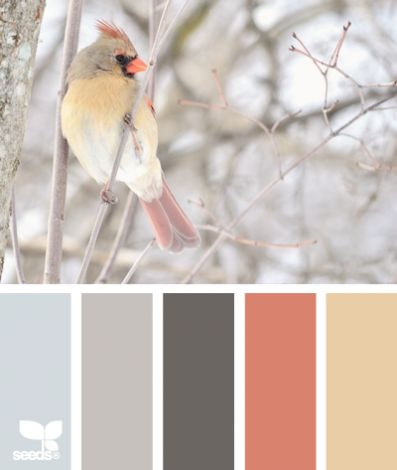
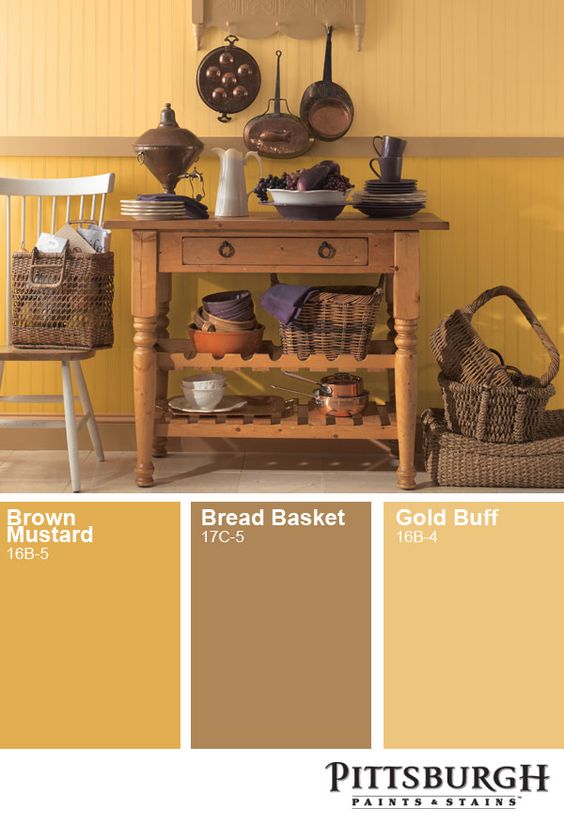
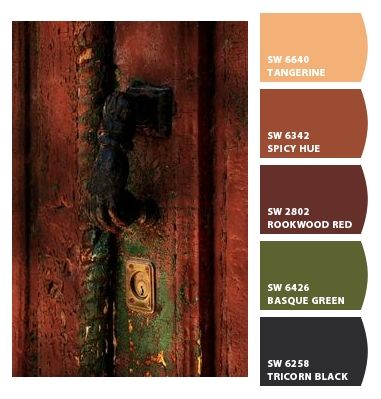
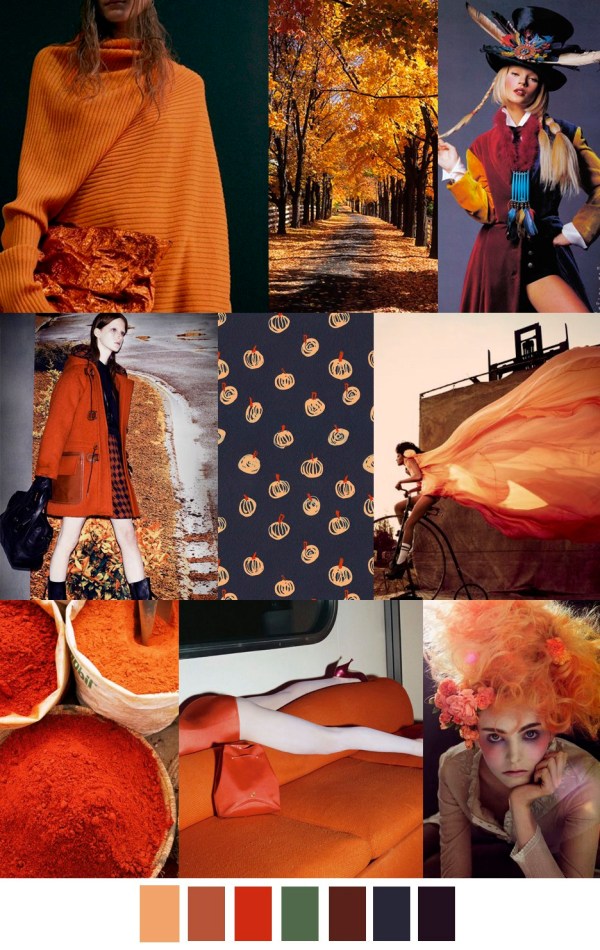
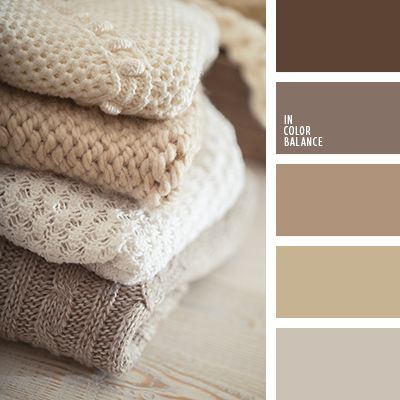
Here is some September color inspiration I found on the internet this week:
 

sept-01

sept-03

sept-04

sept-05

sept-06


Nuts and Bolts: Update International Artists

September 2, 2016


Nuts & Bolts – Update International Artists


Thank you to the artist community for the feedback regarding the ongoing issue of foreign tax withholding and taking advantage of tax treaties between your country and the United States.  Based on the information that artists provided from your own research, we went back to our team of advisors and found that GCU can accept your Foreign Tax Identifying Number in order for you to take advantage of the tax treaty rates.


As you know, every year you receive a form 1042-S from GCU as GCU is required to file that form with the Internal Revenue Service in the United States.  On this form, GCU reports artists earnings and any tax withheld, or if you are exempt from taxes because you are claiming tax treaty benefits.  Up until the Foreign Account Tax Compliance Act went into effect, the instructions were clear that you had to have an ITIN in order to claim tax treaty benefits and GCU hadto report that ITIN if no taxes were withheld.  However, now the instructions have changed and we can report your Foreign Tax Identifying Number on the Form 1042-S if you are claiming tax treaty benefits and no tax is withheld.


HOWEVER, GCU STILL NEEDS ALL INTERNATIONAL ARTISTS TO COMPLETE THE NEW FORM W-8BEN as previously requested.  The old forms did not collect the Foreign Tax Identifying Number.  Also, beginning in calendar year 2017 GCU cannot file your 1042-S with the Internal Revenue Service without either your Foreign Tax Identifying Number or your birth date.


Please see original posting on New W-8BEN.


The difference is made in the details!


Mindy
GCU Community Manager

Wanted New Cards: Congratulations – New Baby – Teen Mom

September 1, 2016

wanted new cards head

We have a new sub category that needs a special touch:


We will be very picky in reviewing that these are tasteful and fitting for these non-traditional circumstances.

Baby Congratulations Life s Greatest Blessings card 1049839


We only have 0 cards in this category:


We’d like you to create at least one card for these categories using the Stock Cards function (Bigstock) or your own graphic designs.

Remember, when you’re submitting your new card, add a little note about the intended category in your Notes to Reviewers. Be inventive,  be clever, be creative. Go for it!

Dash of Inspiration: September 2016 Design Challenge

September 1, 2016

DashInspirationBanner_2015

August’s challenge is over an will soon be in the hands of the judging panel, so let’s get to September’s design challenge. We’ll be staying in the ‘holiday spirit’ again this month and creating a fresh infusion of greetings for a Christmas category with too few cards. So, off we go …

Theme: Jingle Bells

Requirements:

  • Must be approved for the Holidays > Christmas Cards > Bells / Jingle Bells / Sleigh Bells category.
  • Recipient must be ‘general’, in other words; any relation-specific creations should be done after the challenge – not for the challenge.
  • Imagery must include at least one bell of the ‘sleigh bells and/or jingle bell’ variety. Other bells in the image okay too, but the “Jingle Bell” must be prominently represented.

……………………………………………………………

Entry Deadline: Friday, September 30th

……………………………………………………………

How to Enter: Post the PID (card number) and the URL (public storefront link – please WAIT for the card to be available in the public marketplace, please DO NOT post a link to your Manage Cards area) as a post in the challenge blog. We’ll forward your entry to the jury.

……………………………………………………………….

Category:

Holidays > Christmas Cards > Bells / Jingle Bells / Sleigh Bells

…………………………………………………………….

Rules:

  • Submission must meet GCU’s Submission Guidelines and be Approved through the usual Review Cycle– Fast Track your submission with this in the Notes to Reviewer: September Design Challenge Submission here is the link to the blog post: (include THIS blog post URL)
  • Only ONE card per artist per challenge.
  • Submissions must be NEW, no existing designs.
  • Your entry must meet the Challenge Requirements and Theme or it will not be included in the challenge.
  • Stock Card Creations entries will not be accepted.

……………………………………………………………………

BLIND Judging: We hope each of you enters every month. Entries are submitted anonymously for judging by the GCU Challenge Jury which means that before and during the challenge, judges do not have any way of knowing what artist is behind each entry. This eliminates any and all concerns with ‘favoritism’. Results will post on the Community Blog. The jury will judge the entries on the following criteria:

  • How well the card meets the Challenge Requirements and Theme.
  • How well the card speaks to the Category the artist chooses for the card submission.
  • Creativity, Execution and Marketability.

……………………………………………………………………

Winners: 1st Place:

  • The winning designer’s card and store will be featured on the GCU Public Blog the blog which customers view and follow.
  • As well as featured on the GCU Public Facebook Page nearly 37,000 followers, now THAT’S exposure!
  • The winning card will be Design of the Day following the announcement of the winners (within 48-hours).

    EXCEPTION: Horizontal (landscape) cards may not be featured as DOD due to GCU Home Page space restrictions. In these cases, GCU will choose a different vertically oriented card from your store to feature as DOD. Thank you for your understanding and apologies for this limitation.

  • The winning card will be added to the Greeting Card Universe Design Challenge Winners Pinterest Board – currently GCU’s Pinterest Page followers: 2K!
  • The winning card, should the artist choose, may be referenced in a new series by the winning artist and he/she may Fast Track all cards in the new series (being sure to give the Challenge URL and winning card PID in your Notes to Reviewer for each card in this series).
  • Winning card will be included in a marketing email to over 100,000 customers!
  • NEW starting this month, GCU will create a Meet the Team board for the winning artist under the Pinterest GCU account where the winning artist will be able to pin and promote her own storefront and all that makes them a unique card designer and one of GCU’s artistic community team member.

2nd Place:

  • Your submission will be Design of the Day the following week of announcing the Challenge winners (within 7-days).

    EXCEPTION: Horizontal (landscape) cards may not be featured as DOD due to GCU Home Page space restrictions. In these cases, GCU will choose a different vertically oriented card from your store to feature as DOD. Thank you for your understanding and apologies for this limitation.

  • Your card will be added to the Greeting Card Universe Design Challenge Winners Pinterest Board.
  • Winning card will be included in a marketing email to over 100,000 customers!

………………………………………………………………………

Tips:

Check out these tips, tricks, freebies, and tutorials from our own GCU Community Blog which might be helpful in this month’s Challenge.

………………………………………………………………………

Be inspired to create and learn something new!

1181840-1_3d

Doreen Erhardt©

Font Frenzy: Mischief free font

August 31, 2016

The Hungry Jpeg has a lovely freebee  for you this week.
Get the beautifully rough script font Mischief (Plus commercial license) by Flycatcher Design is 100% FREE of charge, for just one week.
 Mischief Font by TheHungryJPEG TheHungryJPEG.com

This amazing font comes complete with a full commercial license, allowing you to use these beautiful fonts across a wide range of commercial activities.

Rainbow Connection: Pumpkin Hues

August 30, 2016

Here is some Pumpkin Hues color inspiration I found on the internet this week:


pumpkin 1

pumpkin 2

pumpkin 4

pumpkin 3

pumpkin 5

pumpkin 6