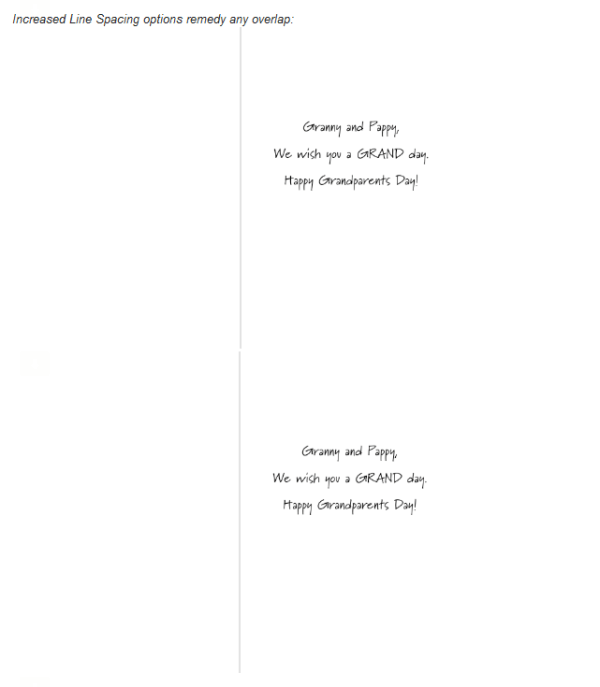
Nuts and Bolts: Inside Verse Considerations * Alignment


GCU Community Manager
Share this:


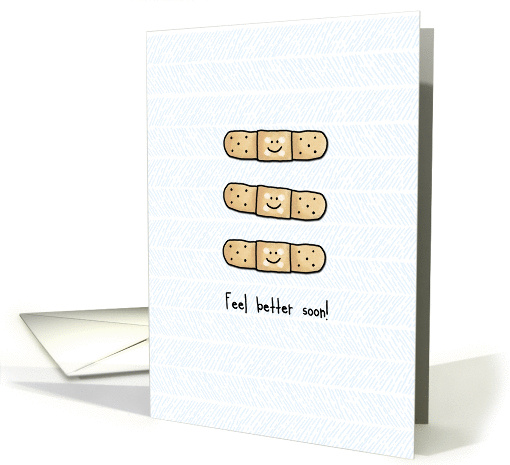
We’d like you to create at least one card for these categories using the Stock Cards function (Bigstock) or your own graphic designs.
Remember, when you’re submitting your new card, add a little note about the intended category in your Notes to Reviewers. Be inventive, be clever, be creative. Go for it!
Share this:

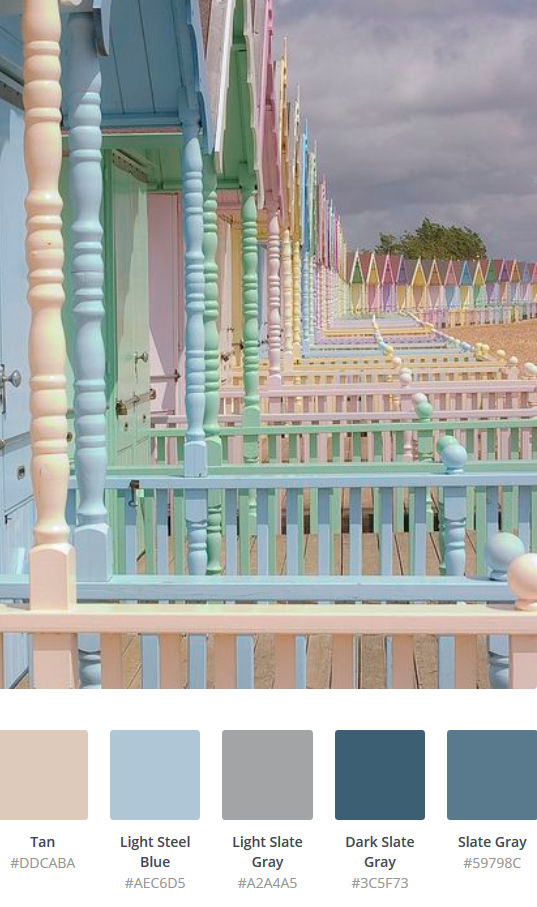
Rainbow Connection: Summer at the Beach

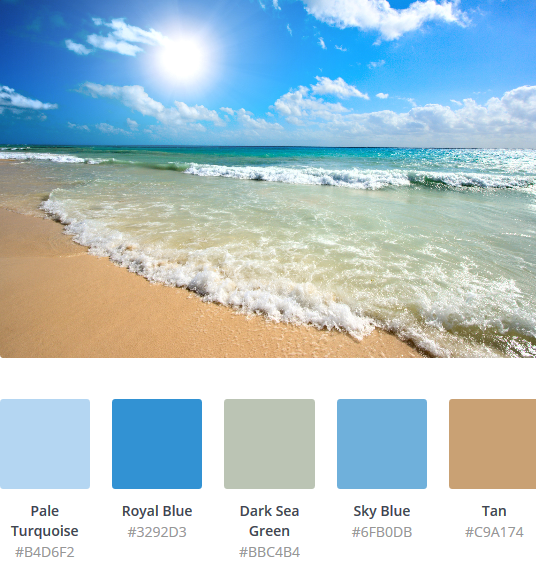
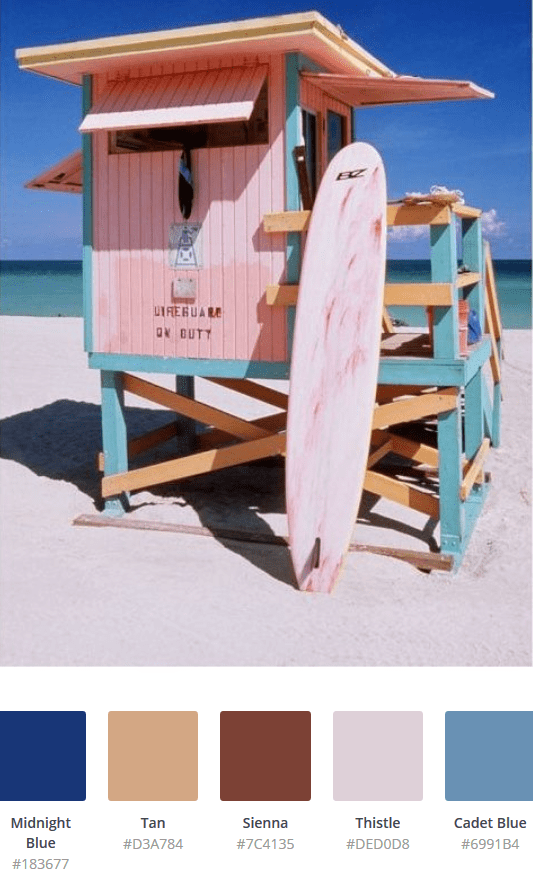
Here are some lovely Summer Beach color palettes I found this week:


Share this:

Nuts and Bolts: Inside Verse Considerations
GCU Community Manager
Share this:

Wanted New Cards: Thank You Beauty Services

We’d like you to create at least one card for these categories using the Stock Cards function (Bigstock) or your own graphic designs.
Remember, when you’re submitting your new card, add a little note about the intended category in your Notes to Reviewers. Be inventive, be clever, be creative. Go for it!
Share this:

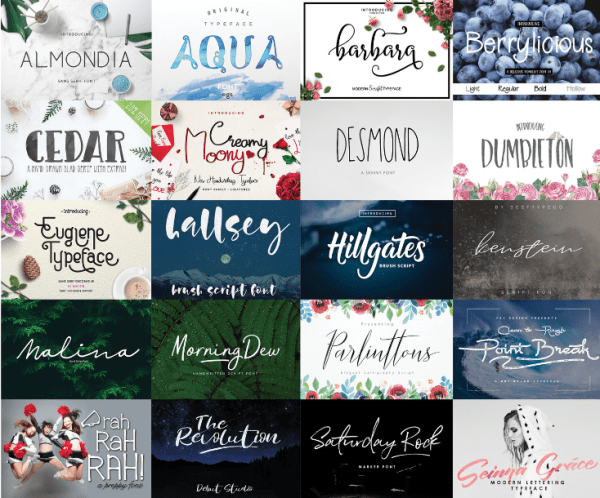
Font Frenzy: Free Font Bundle



Share this:

Do you have some cards that have been hanging around for a while with low to no sales? Putting a fresh touch on low performing cards that you’re not 100% happy with is a good idea.


GCU Community Manager
Share this:

Font Frenzy: Aristelle Family – Free Font
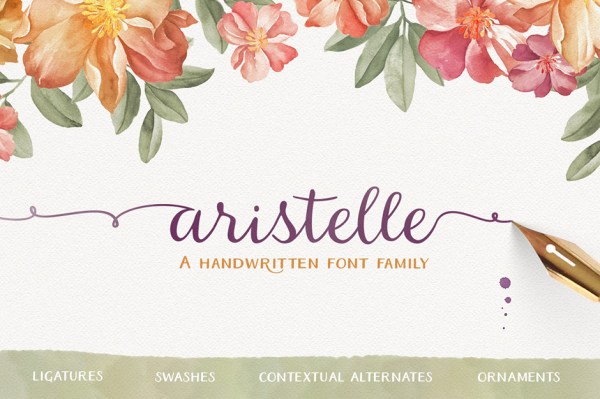
Aristelle comes with included extended product license.
Share this:

Wanted Cards – Get Well / Feel Better Cards > Bunion Surgery / Bunionectomy
Any foot pain, injury or ailment really takes you out of commission. If you can’t move freely about on your feet you are very limited in caring for yourself and others.
Bunions are very common and very painful. Surgery can provide much relief but the recovery process and time can be difficult and frustrating.

The following new category is in need of cards.
Occasions >> Get Well / Feel Better >> Bunion Surgery / Bunionectomy
We’d like you to create at least one card for these categories using the Stock Cards function (Bigstock) or your own graphic designs.
Remember, when you’re submitting your new card, add a little note about the intended category in your Notes to Reviewers. Be inventive, be clever, be creative. Go for it!
Share this:

Nuts and Bolts: Update Custom Request Availability
GCU Community Manager


