Wanted New Cards: Valentine’s Day In Remembrance

We’d like you to create at least one card for these categories using the Stock Cards function (Bigstock) or your own graphic designs.
Remember, when you’re submitting your new card, add a little note about the intended category in your Notes to Reviewers. Be inventive, be clever, be creative. Go for it!
Share this:

Dash of Inspiration: February 2017 Design Challenge

As February kicks off, we have a new challenge for you!
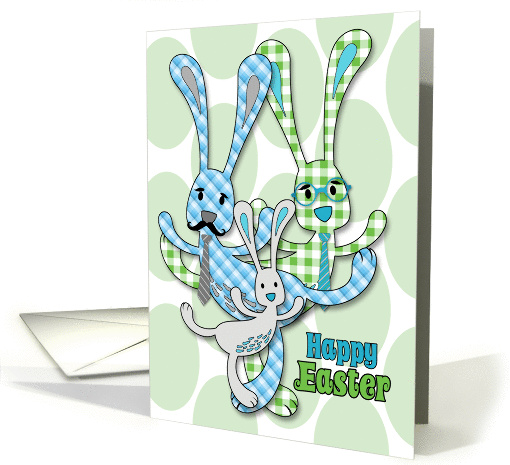
Theme: Easter for Two Dads or Two Moms
Requirements:
- Imagery should be appropriate for the recipients. No flowers for two dads for example. Be creative and unique!
- Must be approved for one of the listed categories below.
- Blank verse will not be considered for entry in this challenge.
……………………………………………………………
Entry Deadline: Tuesday, February 28th
……………………………………………………………
How to Enter: Post the PID (card number) and the URL (public storefront link – please WAIT for the card to be available in the public marketplace, please DO NOT post a link to your Manage Cards area) as a post in the challenge blog. We’ll forward your entry to the jury.
……………………………………………………………….
Choose ONE Category:
Holidays > Easter Cards > For both my Dads / Fathers
Holidays > Easter Cards > For both my Moms / Mothers
…………………………………………………………….
Rules:
- Submission must meet GCU’s Submission Guidelines and be Approved through the usual Review Cycle– Fast Track your submission with this in the Notes to Reviewer: February Design Challenge Submission here is the link to the blog post: (include THIS blog post URL)
- Only ONE card per artist per challenge.
- Submissions must be NEW, no existing designs.
- Your entry must meet the Challenge Requirements and Theme or it will not be included in the challenge.
- Stock Card Creations entries will not be accepted.
- Your designs should differ from those already offered in the categories above to offer shoppers a variety of choices, not more of the same.
……………………………………………………………………
BLIND Judging: We hope each of you enters every month. Entries are submitted anonymously for judging by the GCU Challenge Jury which means that before and during the challenge, judges do not have any way of knowing what artist is behind each entry. This eliminates any and all concerns with ‘favoritism’. Results will post on the Community Blog. The jury will judge the entries on the following criteria:
- How well the card meets the Challenge Requirements and Theme.
- How well the card speaks to the Category the artist chooses for the card submission.
- Creativity, Execution and Marketability.
……………………………………………………………………
Winners: 1st Place:
- The winning designer’s card and store will be featured on the GCU Public Blog – the blog which customers view and follow.
- As well as featured on the GCU Public Facebook Page – nearly 46,000 followers, now THAT’S exposure!
- The winning card will be Design of the Day following the announcement of the winners (within 48-hours).
EXCEPTION: Horizontal (landscape) cards may not be featured as DOD due to GCU Home Page space restrictions. In these cases, GCU will choose a different vertically oriented card from your store to feature as DOD. Thank you for your understanding and apologies for this limitation.
- The winning card will be added to the Greeting Card Universe Design Challenge Winners Pinterest Board – currently GCU’s Pinterest Page followers: 2K!
- The winning card, should the artist choose, may be referenced in a new series by the winning artist and he/she may Fast Track all cards in the new series (being sure to give the Challenge URL and winning card PID in your Notes to Reviewer for each card in this series).
- Winning card will be included in a marketing email to over 100,000 customers!
- NEW starting this month, GCU will create a Meet the Team board for the winning artist under the Pinterest GCU account where the winning artist will be able to pin and promote her own storefront and all that makes them a unique card designer and one of GCU’s artistic community team member.
-
Winning card will be posted on GCU’s Instagram with 2,000 followers and counting!
2nd Place:
- Your submission will be Design of the Day the following week of announcing the Challenge winners (within 7-days).
EXCEPTION: Horizontal (landscape) cards may not be featured as DOD due to GCU Home Page space restrictions. In these cases, GCU will choose a different vertically oriented card from your store to feature as DOD. Thank you for your understanding and apologies for this limitation.
- Your card will be added to the Greeting Card Universe Design Challenge Winners Pinterest Board.
- Winning card will be included in a marketing email to over 100,000 customers!
-
Winning card will be posted on GCU’s Instagram with 2,000 followers and counting!
………………………………………………………………………
Tips:
Check out these tips, tricks, freebies, and tutorials from our own GCU Community Blog which might be helpful in this month’s Challenge.
- Nuts and Bolts: The Right Image
- Dash of Inspiration: Working with Color
- Nuts and Bolts: Don’t Fall Into These Traps!
- Rainbow Connection: Manly Color Schemes!
………………………………………………………………………
Be inspired to create and learn something new!
Share this:

Font Frenzy: Montellia Script


Montellia is a beautifully rough font by StudioRz and comes with a complete Commercial License.
Share this:

Nuts and Bolts: English Translation in Artist’s Notes

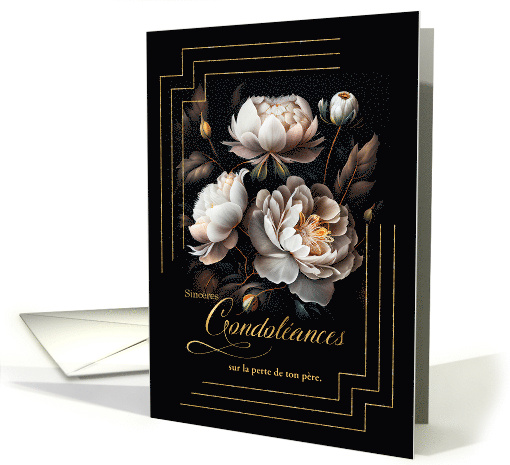
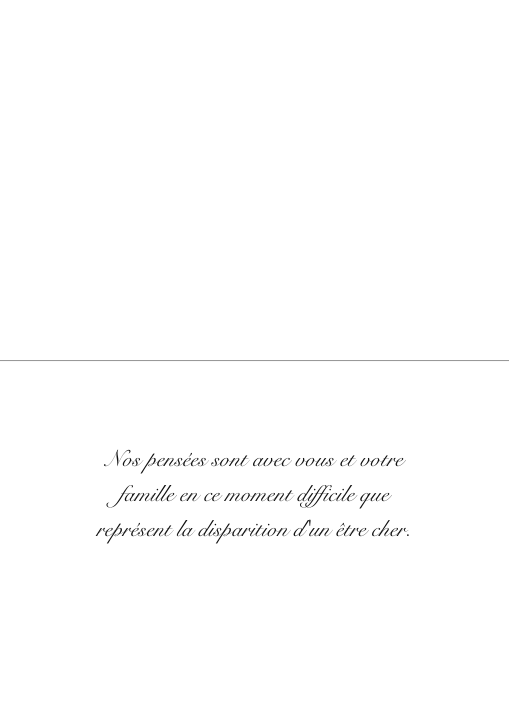
As our foreign language cards become more popular, we have received many calls from shoppers asking for English translations of specific inner verses. In many cases the person purchasing the card does not speak the language and is sending it to someone who does. So, they need your help!
We suggest for foreign language cards that you include an English translation in the Artist Notes field. In fact, the review team will require this. It helps shoppers know what your cover and inside verse says. We strongly suspect that cards with a translation are more likely to be purchased than those without.
GCU Community Manager
Share this:

Wanted New Cards: Sports Shutout Congratulations
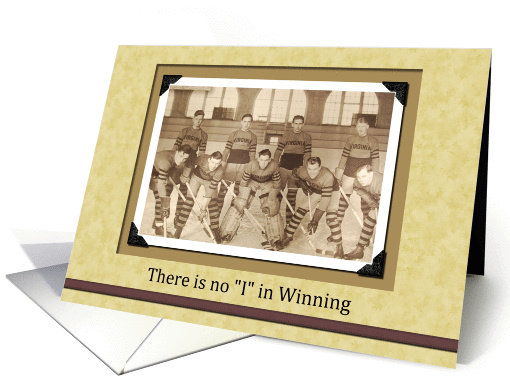
We’d like you to create at least one card for these categories using the Stock Cards function (Bigstock) or your own graphic designs.
Remember, when you’re submitting your new card, add a little note about the intended category in your Notes to Reviewers. Be inventive, be clever, be creative. Go for it!
Share this:

Nuts and Bolts: REMINDER: NEW W-8BEN Form
GCU Community Manager
Share this:

Wanted New Cards: Holy Land Pilgrimage
Please also consider creating general cards (no relation) for >> General.
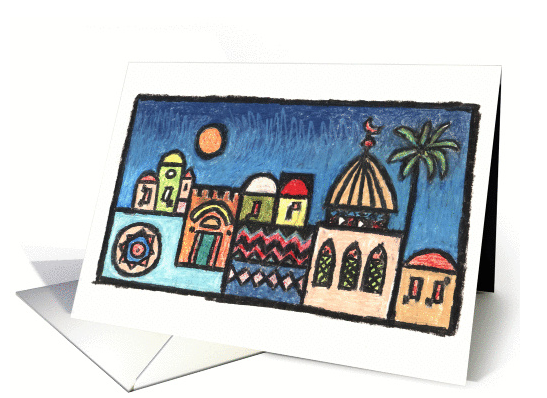
We’d like you to create at least one card for these categories using the Stock Cards function (Bigstock) or your own graphic designs.
Remember, when you’re submitting your new card, add a little note about the intended category in your Notes to Reviewers. Be inventive, be clever, be creative. Go for it!
Share this:

Font Frenzy: Anton Script
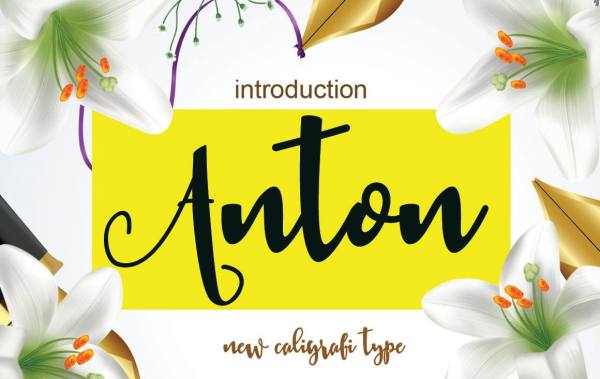
Anton is a nice calligraphy script font by TrioTone.Co and comes with a complete Commercial License.
Share this:

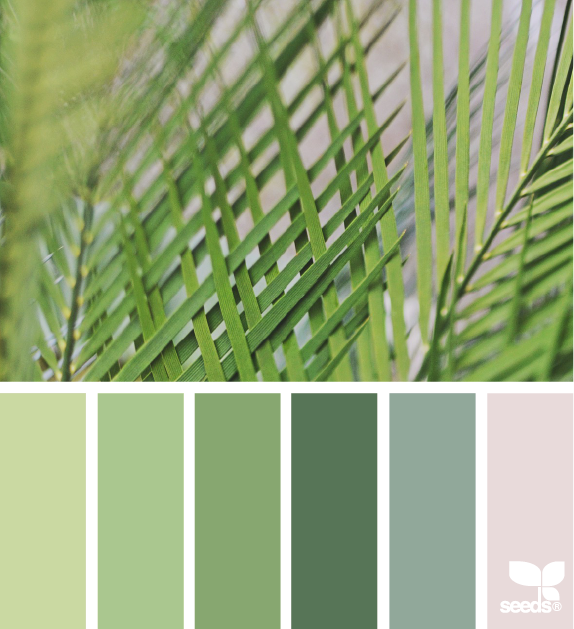
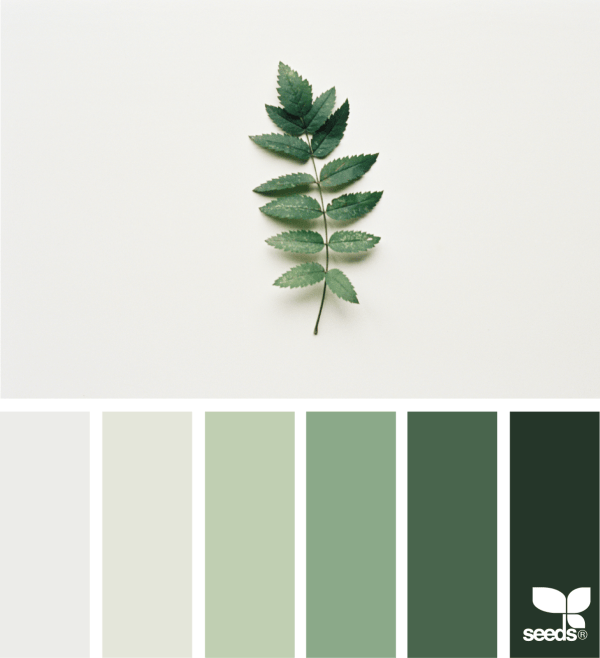
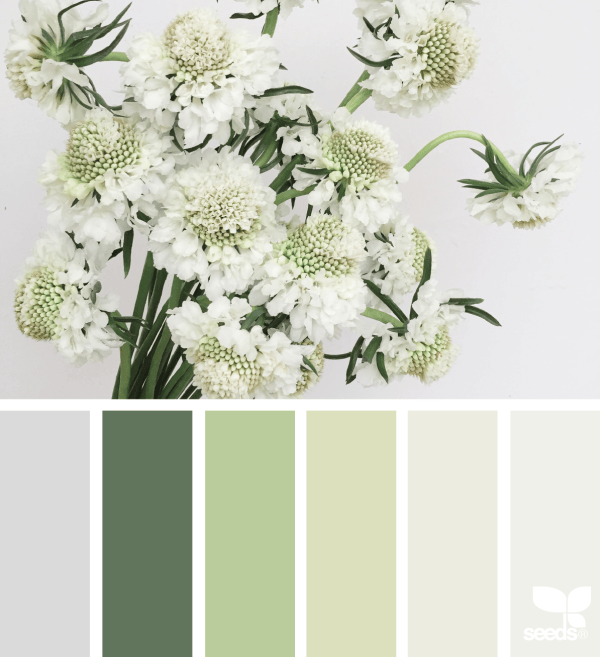
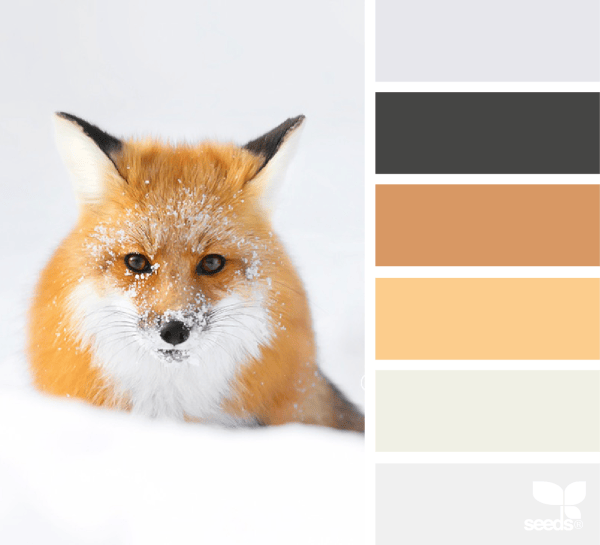
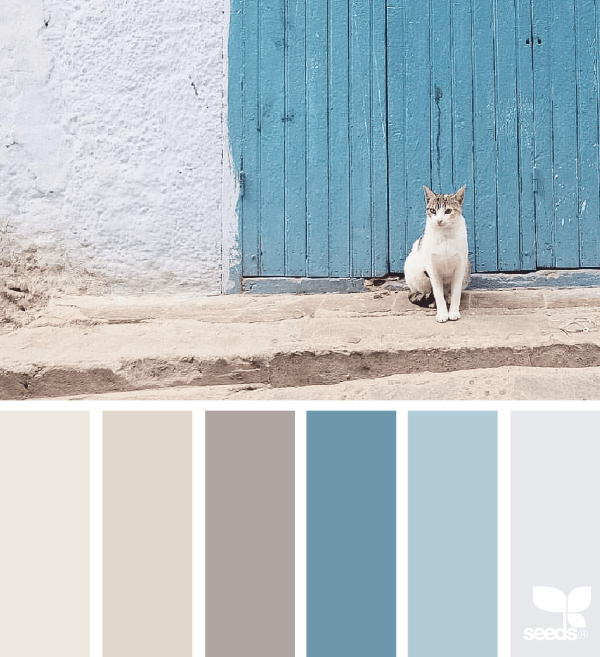
Rainbow Connection: Greens and Animals

Here are some lovely Greens and Animal color inspirations I found on the internet this week:
Share this:

Custom Corner: Happy Holidays Across the Miles
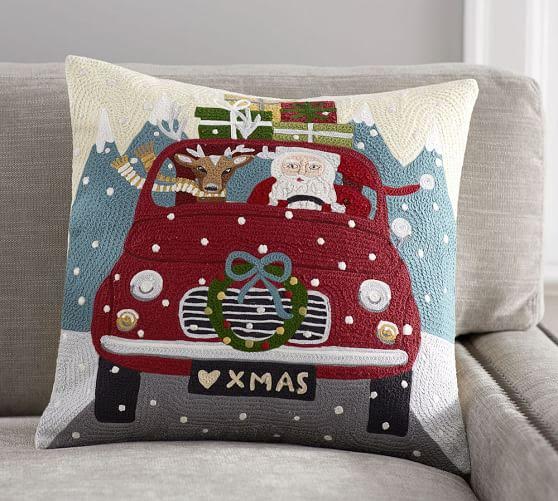
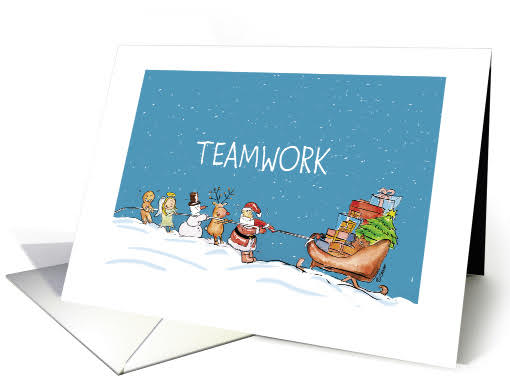

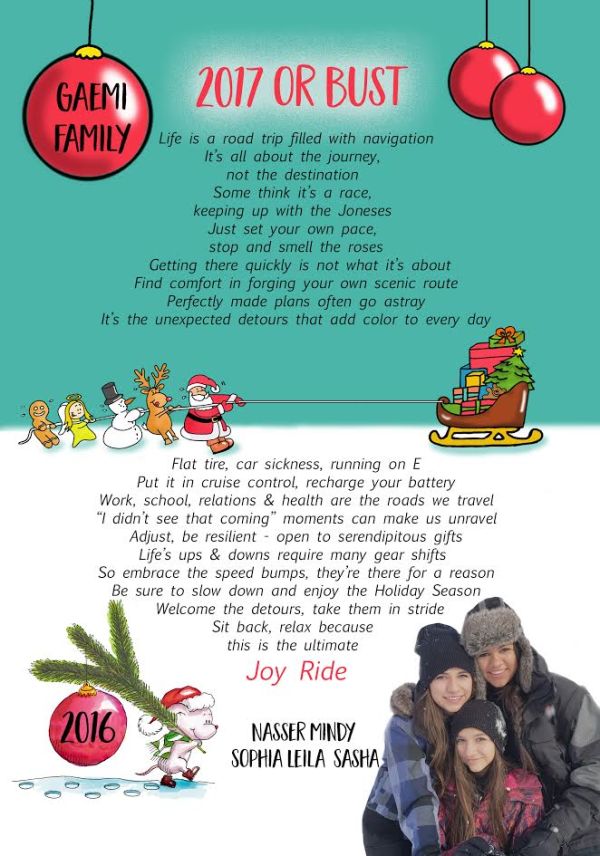
When Mindy contacted me, if I would consider to design the Christmas Card for her and her family, I was quite thrilled. It was already the beginning of December which worked out great because there was no time to procrastinate. lol!
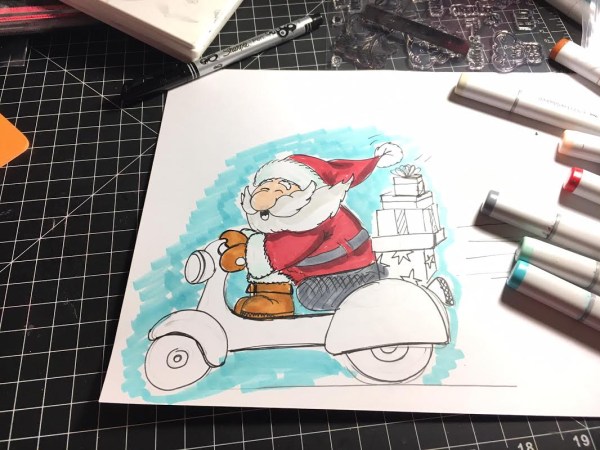
Mindy mentioned in her email that she pictured a ‘Joyride’ theme and a Santa on a Scooter was instantly grooming so loud through my mind that I had to sketch a rough drawing of that guy right away. A rough sketch that I sent to Mindy to see if we’re somewhat on one page and luckily she seemed to like where I was going. Yippee … did not have a plan B! Mindy had a couple of more ideas and suggestions for the outside of the card so that we finished that part first. For the inside of the card she sent the inside verse and a picture of her lovely daughters and I made sure to keep the inside in the same color theme as the outside. We added two pictures from two Greeting Cards that I’ve posted on GCU a while back and the inside of the card filled up rather fast. The picture that Mindy provided was actually perfect, as the ‘girls’ are sitting in the snow and it was easy to change the background to the cartoon style background. The inside verse was quite a lot of text and I had to choose a rather small font and due to the text amount and size one that was fairly easy to read. It all worked out in the end and I thank you Mindy for the opportunity to design those Christmas Cards for you and your family. 😉