Wanted New Cards: Cochlear Implant

Consider cards not only for elderly but also people of all ages who have hearing loss.

We’d like you to create at least one card for these categories using the Stock Cards function (Bigstock) or your own graphic designs.
Remember, when you’re submitting your new card, add a little note about the intended category in your Notes to Reviewers. Be inventive, be clever, be creative. Go for it!
Share this:

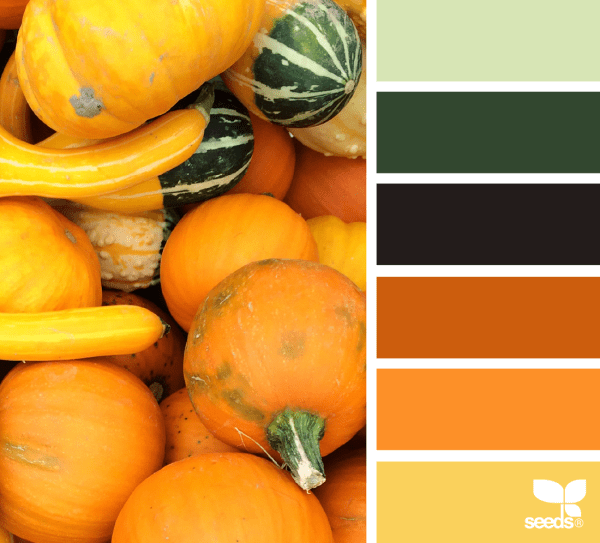
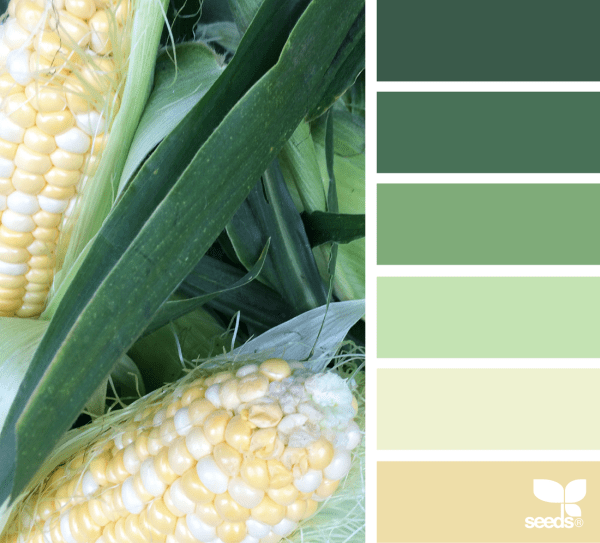
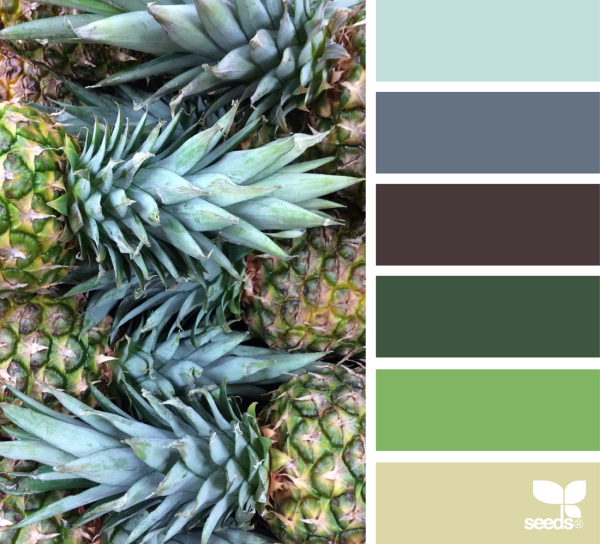
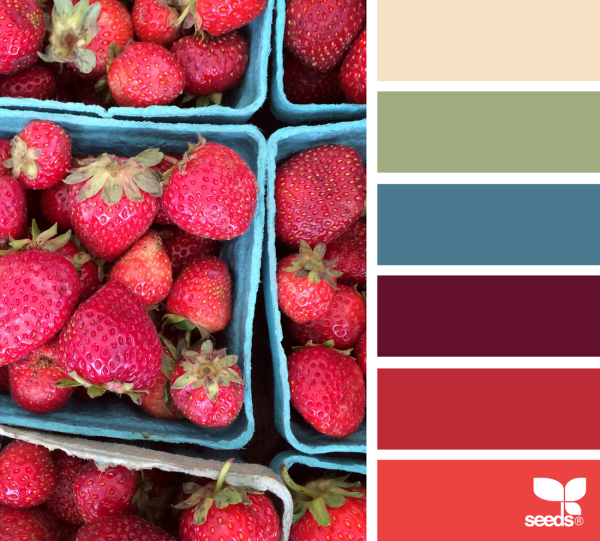
Rainbow Connection: Yummy Color Inspirations

Here is some extra yummy color inspirations I found on the internet this week:

Share this:

Dash of Inspiration: Fun Font Finds

The right font for the job is such a critical design element for any professional design, but especially for greeting cards. It provides the viewer a sense of mood, these are things we chatted quite a bit about and I’ve gathered some of them below so that if you’re new to professional greeting card design, or just find it refreshing to reread and spark your creativity you have them at your fingertips.
Today I found some good additions for your toolbox which are Free for Commercial Use. Hope there is something in the mix you may not have.
Andrea Karime font — Created in 2010 by Grafito Design

Fun font for kids through teens/tweens and of course humorous occasions.
Asenine font — Created in 2001 by Apostrophic Lab

Great for lighthearted messages.
Brandy font — Created in 1999 by Rick Mueller

Really fun retro font – use sparingly!
………………………………………
Dash of Inspiration: Capitalization
Nuts and Bolts: Superscript & Ordinal Numbers
Dash of Inspiration: Typography the “Golden Rules”
Dash of Inspiration: Typography Terms
There are many, many more great tops and font finds when you search Typography on the Community Blog, so have fun!
………………………………………
Until next time … Learn … Create … Inspire!
Don’t forget, this is the last week for entries in our July Dash of Inspiration Design Challenge with the theme of Peace!
Share this:

Nuts and Bolts: No As-Is Usage of 3rd Party Content

Nuts & Bolts – No As-Is Usage of 3rd Party Content

GCU Community Manager
Share this:

Wanted New Cards: Invitation Rib Cook-off Party

At the moment there are 0 cards in this category.
We’d like you to create at least one card for these categories using the Stock Cards function (Bigstock) or your own graphic designs.
Remember, when you’re submitting your new card, add a little note about the intended category in your Notes to Reviewers. Be inventive, be clever, be creative. Go for it!
Share this:

Font Frenzy: The Five for $5 Bundle


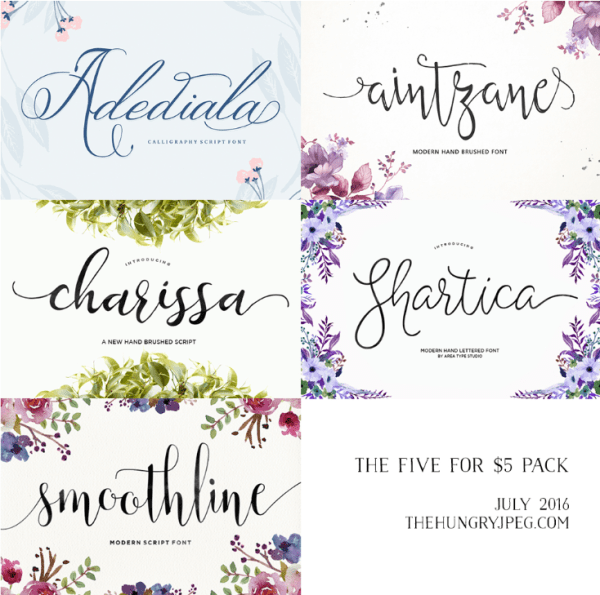
The Hungry Jpeg has partened up with Area Type Studio to offer you a collection of five beautiful 100% accessible Script Fonts for just $5!!
Normally priced at $54, this amazing pack is available for purchase for just one month only!! Grab your copy today.
This amazing pack comes complete with a full commercial license, allowing you to use these beautiful fonts across a wide range of commercial activities.
Share this:

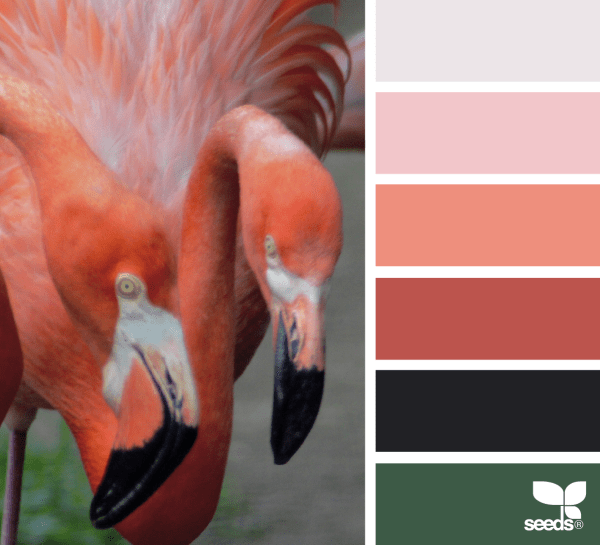
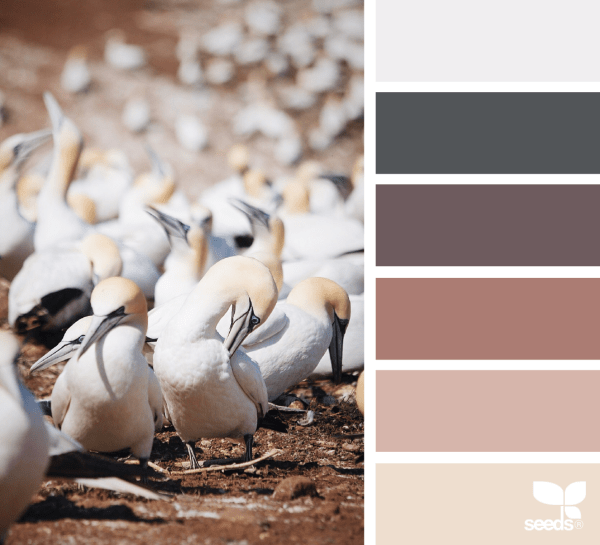
Rainbow Connection: Animal Hues
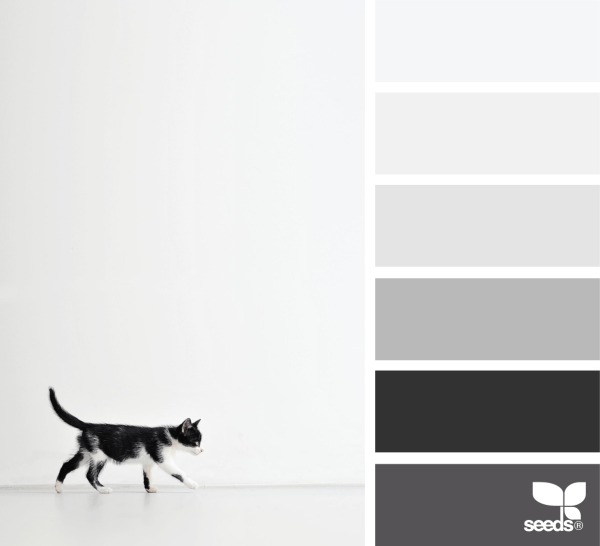
Here are some Animal color inspirations I found on Pinterest this week:


Share this:

Dash of Inspiration: Prepare for the Holidays!
Thinking that I had updated all my Christmas 2015 and New Year 2016 cards back in February, I realized this morning that I must not have ‘finished’ the updating. So, today I pass on the reminder that for me anyway holiday card sales have already begun and I urge you all to be ready for them. Here are some tips:
…………………………………………………………
- Be sure to update card fronts with 2015 and for New Year 2016.
- Don’t forget to follow through with each card’s updating by fixing and improving your Card Title, Keywords and Artist Notes.
- If you offer photo cards and/or custom front text on these cards, consider taking the time to update the year in the custom tool. Remember customers shop visually first and not all realize they may change the year themselves.
- Don’t forget other holidays which occur during the festive season. If you have cards for Halloween, Thanksgiving, Hanukkah, or Kwanzaa for example – be sure to update those too.
…………………………………………………………
It’s also time to be thinking of new designs for the upcoming season, and the perfect time to give those very old holiday cards a new lease on life with some design fine tuning and meta-tag data upgrades.
Whether you like it or not, as a greeting card designer July is the month when you need to be in full holiday mode to be ready for the shoppers!
………………………………………………………….
Remember to check out the July Dash of Inspiration Design Challenge and join in this month’s theme; PEACE.
So until next week … Learn … Create … Inspire!

Share this:

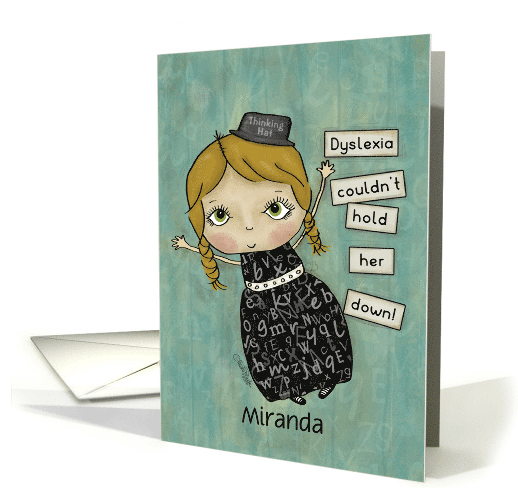
Nuts and Bolts: On the Lookout for New Occasions

Share this:

Wanted New Cards: Gorgious Grandma Day – July 23
We have a new category that needs your attention:
Holidays >> National & International Days >> Gorgeous Grandma Day – July 23

We’d like you to create at least one card for these categories using the Stock Cards function (Bigstock) or your own graphic designs.
Remember, when you’re submitting your new card, add a little note about the intended category in your Notes to Reviewers. Be inventive, be clever, be creative. Go for it!


