Dash of Inspiration: Freebie Monday

Fun freebie and sales to check out this week. Who knows, it might be just what you’ve been looking for!
………………………………………………………….
………………………………………………………….
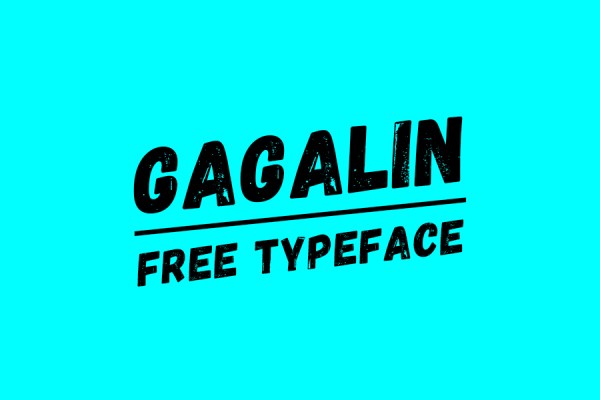
96 Free Ribbon Clip Art by Carolynn at FabnFree.com

………………………………………………………….
Be sure to check the license for each to confirm Commercial Use is allowed.
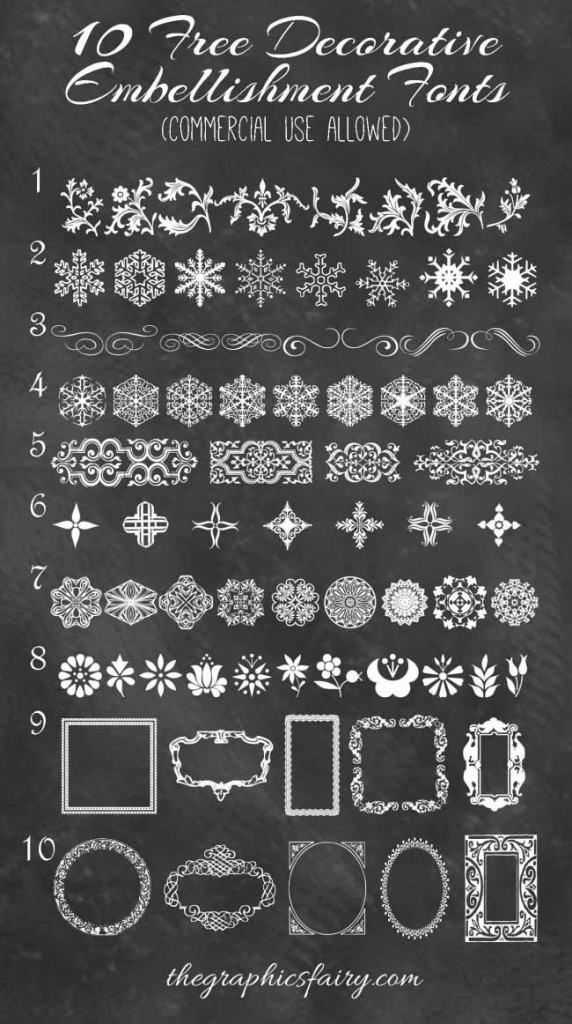
10 Free Decoration Embellishment Dingbat Fonts
………………………………………………………….
Lastly, not free, but what a great tool set for $9.00!
Real Markers for Photoshop by HEJBRUSH.com

courtesy of HEJBRUSH.com
Remember to check out the June Dash of Inspiration Design Challenge and join in the fun!
So until next week … Learn … Create … Inspire!
Share this:

Nuts and Bolts: Watermark Changes

GCU received some helpful feedback from many of GCU’s top selling artists and will be moving forward with the following changes to Image Watermarks.In an effort to maximize exposure for artists’ cards and deliver a high quality shopping experience for shoppers, yet still provide an option for those artists who feel strongly about additional protection, effective 6/20/16 GCU will:
1. Remove the Medium image watermark option
2. Keep the Large image watermark option
3. Reset ALL artists’ Watermark Setting – Watermark LARGE Image to NO
Beginning 7/1/16, GCU will regenerate all card images sitewide, store by store, based on your new watermark settings.
There are two card type exceptions:
1. Stock Card Creations (BigStock) will retain the image watermarking and are not impacted by settings in Global Preferences, per GCU’s licensing agreement with BigStock.
2. At this time Custom Front cards will not be impacted by this change and will not be regenerated.
What Do Artists Need To Do?
If you are ok with NO WATERMARKS on your card images, you need to TAKE NO ACTION. Since the image regeneration process will take a while (months), if you would like to request your images to be regenerated asap please post here on the forum. We have already done so for a handful of artists.
If you want your LARGE IMAGE WATERMARKS YOU NEED TO TAKE ACTION. You’ll need to reset your Large image to ON before 7/1. This is found in Global Preferences:
http://www.greetingcarduniverse.com/community/edit_globals.asp
NOTE: Watermarked cards cannot be submitted to Google Shopping which is a fruitful source of sales for GCU. If you choose to reset your large image watermark to “yes”, these cards will NOT be submitted to Google Shopping and will receive less exposure than non-watermarked cards.
Please read this earlier notice about watermarking changes on GCU:
https://gcucommunity.com/2016/05/06/nuts-and-bolts-watermarking/
If you are ok with NO WATERMARKS on your card images, you need to TAKE NO ACTION. Since the image regeneration process will take a while (months), if you would like to request your images to be regenerated asap please post here on the forum. We have already done so for a handful of artists.
Share this:

Wanted New Cards: Pet Sitter / Dog Walker


We’d like you to create at least one card for these categories using the Stock Cards function (Bigstock) or your own graphic designs.
Remember, when you’re submitting your new card, add a little note about the intended category in your Notes to Reviewers. Be inventive, be clever, be creative. Go for it!
Share this:

Font Frenzy: Modigirl Sans

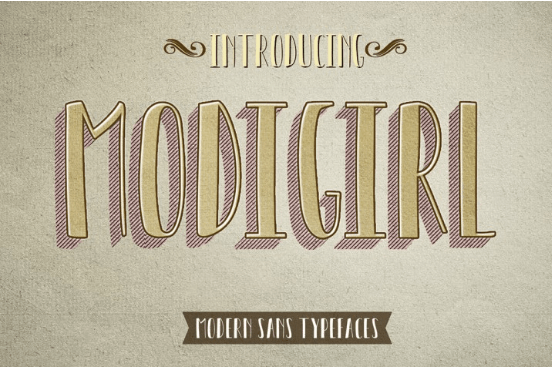

- Modigirl Sans otf
- Modigirl Sans ttf
- Web Fonts
Features Basic Latin A-Z
Share this:

Rainbow Connection: Rustic Colors

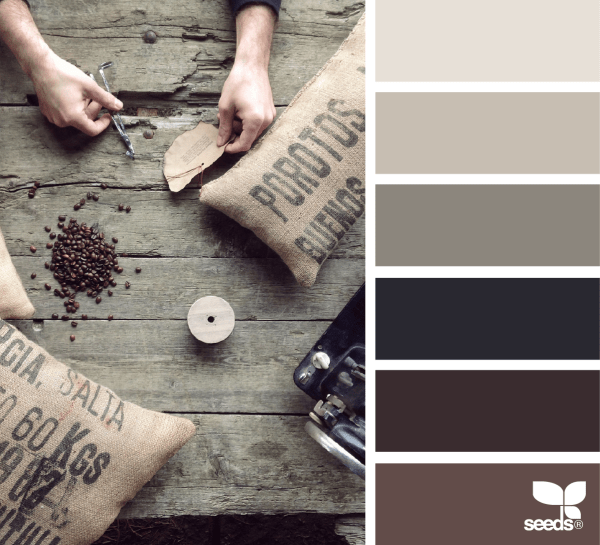
I want to share some calming rustic color inspirations I found on Design Seeds this week:


Have fun and happy designing!
Share this:

Dash of Inspiration: Photoshop Fun
Sometimes it’s just fun to take some time out and learn something new with the tools of your trade. Today I offer a few Photoshop Tutorials which might inspire you to experiment and who knows what you might create?
8 Steps to Adding Fantasy Lighting with Photoshop by Robert Cornelius at PetaPixel.com

Here is another by Robert …
5 Steps to Creating a Dreamlike Gown in Photoshop by Robert Cornelius at PetaPixel.com

How to Conquer the Most Difficult Hair Selections in Photoshop by DL Cade at PetaPixel.com – great for animal selections too!

Last, but not least –
Photoshop Background Eraser Tutorial by Steve Patterson at PhotoshopEssentials.com

Spending a little time learning how to do something you didn’t know how to do, will always reward the artist by taking them places they’ve never been before … and the destination may be endless.
_____________________________________________
Remember to check out the June Dash of Inspiration Design Challenge and join in the fun!
So until next week … Learn … Create … Inspire!
Share this:

Nuts and Bolts: Design Challenge Prizes & NEW Bonus
- Included in a GCU marketing email to over 100,000 customers!
- Spotlighted as Design of the Day on GCU’s home page
- Posted on GCU’s public Facebook Page with nearly 30,000 followers
- Shared via GCU’s Twitter and Instagram accounts
- Pinned to GCU’s Design Challenge Winners Pinterest board
- Mini-interview on GCU’s public blog Occasionally Thoughtful
- FastTrack Review permissions for a new series of cards based on the winning design
- PLUS A NEW PERK, the 1st place winning artist will receive a Featured Artist Pinterest Board on GCU’s Pinterest account.
Share this:

We have a category that needs your attention:
Occasions >> Thank You >> Occupation Specific >> Camp Counselor / Summer Camp Staff

We’d like you to create at least one card for these categories using the Stock Cards function (Bigstock) or your own graphic designs.
Remember, when you’re submitting your new card, add a little note about the intended category in your Notes to Reviewers. Be inventive, be clever, be creative. Go for it!
Share this:

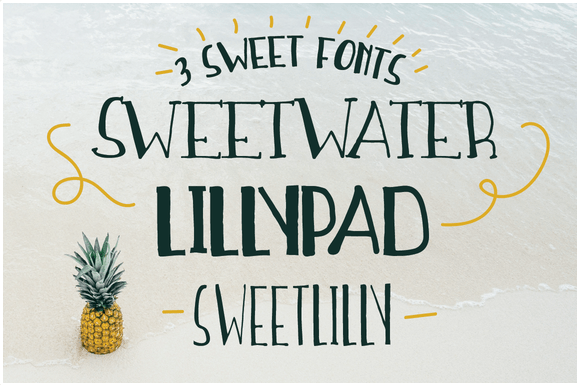
Font Frenzy: Sweetwater Handwritten Font Trio
Share this:

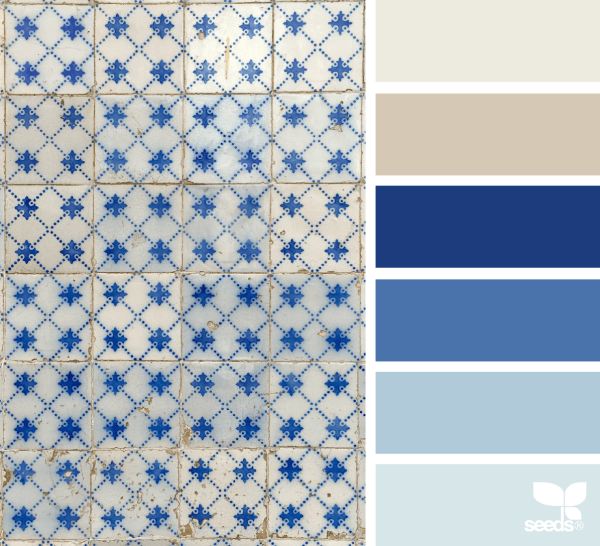
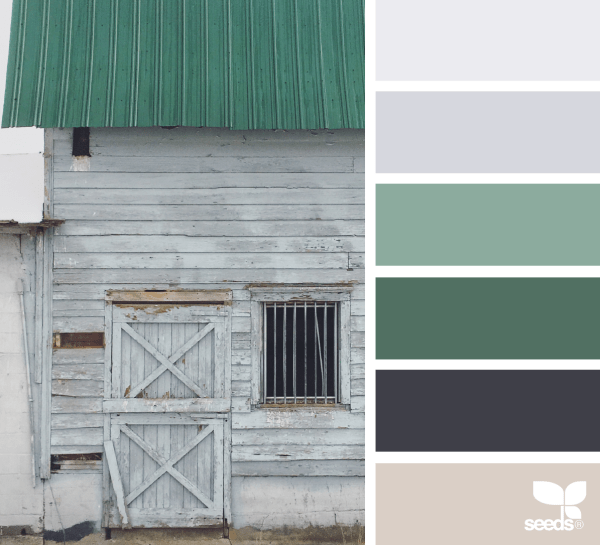
Rainbow Connection: Rustic Stone and Tile Colors
I want to share a few nice rustic stone and tile colors this week:

Have fun and happy designing!


 GCU Community