Nuts and Bolts: Be a Pinner

Nuts & Bolts – Be a Pinner

Something new, GCU is going to start “Meet our Team” featured GCU Artist boards. Here’s GCU Community Manager, Mindy’s, Meet our Team: Mindy. See what makes her tick, what she crushes on, obsesses over and more fun tibdits!
Share this:


We have a new categorie that needs your attention:

At the moment there is only 0 cards in this category.
We’d like you to create at least one card for these categories using the Stock Cards function (Bigstock) or your own graphic designs.
Remember, when you’re submitting your new card, add a little note about the intended category in your Notes to Reviewers. Be inventive, be clever, be creative. Go for it!
Share this:

Dash of Inspiration: June 2016 Design Challenge

And the winners are:
Our FIRST PLACE goes to Christie Black with PID 1439972
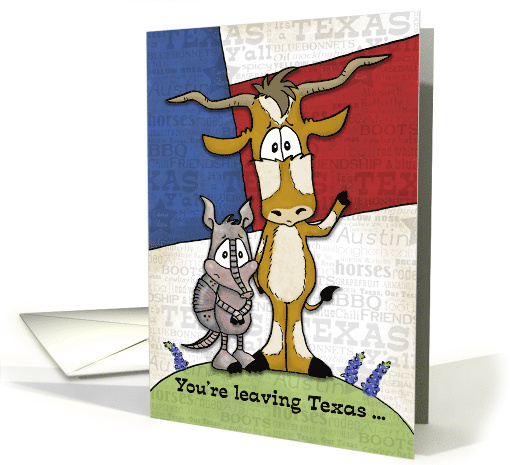
Our runner up this month is Ron Magnes with PID 1438444

Thank you, everyone, for participating! What a great group of cards and it was so much fun to see where all of you lived – through your eyes! July’s Challenge has already kicked off so check it out!
……………………………………………………………
Theme: State of Mine
Create a design which is representative of known ‘facts’ such as; state bird, state flower, state landmark or scenic, etc.
Requirements:
- Use at least 3 elements which are representative of the state you live in – if living outside of the United States, the land, province, country or equivalent works perfectly too.
- Imagery must be included for the three elements.
- Your card’s message, text/verse must also speak to an appropriate category – blank cards will be disqualified.
Important Notes:
- If you choose to use a quote it must be written before 1923 thus in Public Domain or from unknown author. As with the use of 3rd party elements, be sure to include a link to where the quote shows public domain status. A quote is not a requirement of this challenge.
- We caution you against using emblems, flags, landmarks and symbols which may have Intellectual Property ties.
To get you started …
For USA based artists this link will be helpful: USA State Symbols
Living outside the USA, these links will help you get started:
……………………………………………………………
Entry Deadline: Thursday, June 30th
……………………………………………………………
How to Enter: Post the PID (card number) and the URL (public storefront link – please WAIT for the card to be available in the public marketplace, please DO NOT post a link to your Manage Cards area) as a post in the challenge blog. We’ll forward your entry to the jury.
……………………………………………………………….
Category:
Any category will work if you tie the message in to the imagery, recipient and occasion. Christmas location specific cards of mine sell well for example. Here is a category sort for ‘State’ as the keyword which may also be helpful. GCU Search Results for State
Consider your second category the appropriate subcategory under Collections >> Places & Cities
……………………………………………………………….
Rules:
- Submission must meet GCU’s Submission Guidelines and be Approved through the usual Review Cycle– Fast Track your submission with this in the Notes to Reviewer: June Design Challenge Submission here is the link to the blog post: (include THIS blog post URL)
- Only ONE card per artist per challenge.
- Submissions must be NEW, no existing designs.
- Your entry must meet the Challenge Requirements and Theme or it will not be included in the challenge.
- Stock Card Creations entries will not be accepted.
……………………………………………………………………
BLIND Judging: We hope each of you enters every month. Entries are submitted anonymously for judging by the GCU Challenge Jury which means that before and during the challenge, judges do not have any way of knowing what artist is behind each entry. This eliminates any and all concerns with ‘favoritism’. Results will post on the Community Blog. The jury will judge the entries on the following criteria:
- How well the card meets the Challenge Requirements and Theme.
- How well the card speaks to the Category the artist chooses for the card submission.
- Creativity, Execution and Marketability.
……………………………………………………………………
Winners: 1st Place:
- The winning designer’s card and store will be featured on the GCU Public Blog – the blog which customers view and follow.
- As well as featured on the GCU Public Facebook Page – nearly 32,000 followers, now THAT’S exposure!
- The winning card will be Design of the Day following the announcement of the winners (within 48-hours).
EXCEPTION: Horizontal (landscape) cards may not be featured as DOD due to GCU Home Page space restrictions. In these cases, GCU will choose a different vertically oriented card from your store to feature as DOD. Thank you for your understanding and apologies for this limitation.
- The winning card will be added to the Greeting Card Universe Design Challenge Winners Pinterest Board – currently GCU’s Pinterest Page followers: 1.6K!
- The winning card, should the artist choose, may be referenced in a new series by the winning artist and he/she may Fast Track all cards in the new series (being sure to give the Challenge URL and winning card PID in your Notes to Reviewer for each card in this series).
- Winning card will be included in a marketing email to over 100,000 customers!
- NEW starting this month, GCU will create a Meet the Team board for the winning artist under the Pinterest GCU account where the winning artist will be able to pin and promote her own storefront and all that makes them a unique card designer and one of GCU’s artistic community team member.
2nd Place:
- Your submission will be Design of the Day the following week of announcing the Challenge winners (within 7-days).
EXCEPTION: Horizontal (landscape) cards may not be featured as DOD due to GCU Home Page space restrictions. In these cases, GCU will choose a different vertically oriented card from your store to feature as DOD. Thank you for your understanding and apologies for this limitation.
- Your card will be added to the Greeting Card Universe Design Challenge Winners Pinterest Board.
- Winning card will be included in a marketing email to over 100,000 customers!
………………………………………………………………………
Tips:
Check out these tips, tricks, freebies, and tutorials from our own GCU Community Blog which might be helpful in this month’s Challenge.
………………………………………………………………………
Be inspired to create and learn something new!
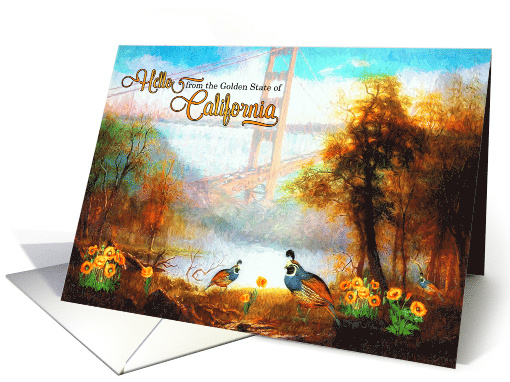
California: State Bird is Quail – State Flower is Poppy – Golden Gate Bridge is a California Landmark. Doreen Erhardt©
………………………………………………………………………
Participants in addition to the two winners:
Share this:

Rainbow Connection: Ranunculus Hues

I want to share a gorgious Ranunculus color inspirations I found on Pinterest this week:
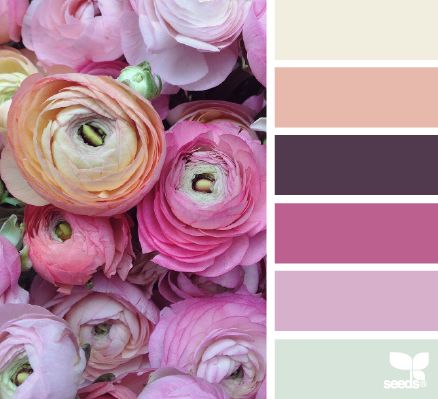


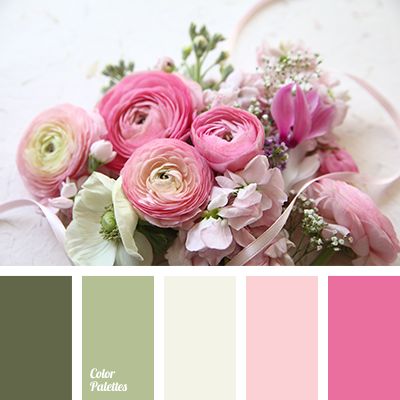
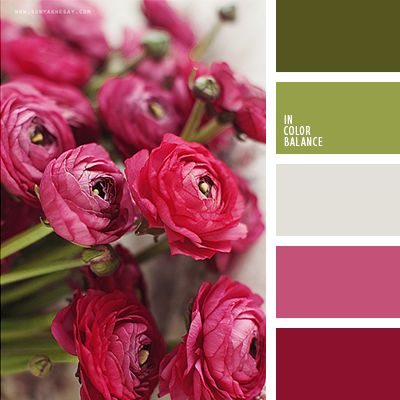
Have fun and happy designing!
Share this:

Share this:

Graduation season is here, an exciting time for high school seniors and their families. Many schools host a celebratory grad night event which offers grads a safe and sober venue and typically concludes in the wee hours of the morning. Chaperones who volunteer their time at this event deserve a big thank you!
Occasions >> Thank You >> Chaperone / Chaperoning >> Grad Night

We’d like you to create at least one card for these categories using the Stock Cards function (Bigstock) or your own graphic designs.
Remember, when you’re submitting your new card, add a little note about the intended category in your Notes to Reviewers. Be inventive, be clever, be creative. Go for it!
Share this:

Rainbow Connection: summer meadow inspirations
I want to share a few nice summer meadow color inspirations I found on Pinterest this week:
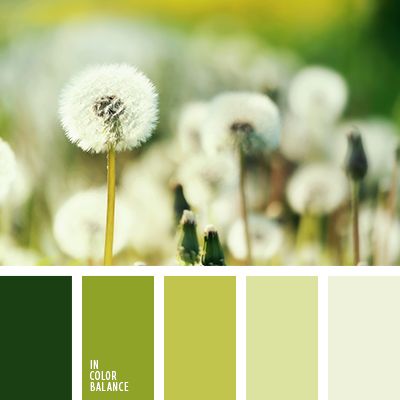


Have fun and happy designing!
Share this:

Nuts and Bolts: Custom Requests
Share this:

Wanted New Cards: National Biscuit Day / May 29
We have a brandnew category that needs your attention:
Holidays > National & International Day Cards > National Biscuit Day / May 29

We’d like you to create at least one card for these categories using the Stock Cards function (Bigstock) or your own graphic designs.
Remember, when you’re submitting your new card, add a little note about the intended category in your Notes to Reviewers. Be inventive, be clever, be creative. Go for it!
Share this:

Rainbow Connection: Sea Hues
Here is some Sea Shore color inspiration I found on Pinterest this week:


 GCU Community