Nuts and Bolts: Artist Interview Ness Nordberg
Here is September 2018 Design Challenge winner’s, Ness Nordberg, interview.

And a last chance to enter October’s Design Challenge, New Year’s Resolutions.
GCU Community Manager
Wanted New Cards: Interfaith / Chrismukkah Extended Relations

Freebie Wednesday: Spooky Halloween Clipart
Freebie Wednesday:
The Hungry JPEG has some spooktacular Halloween Clipart by (AstarteJulia) for free this week. Don’t miss it!


This product comes with a complete commercial license.
Rainbow Connection: Designing with a Monochromatic Color Scheme
Designing with a Monochromatic Color Scheme.
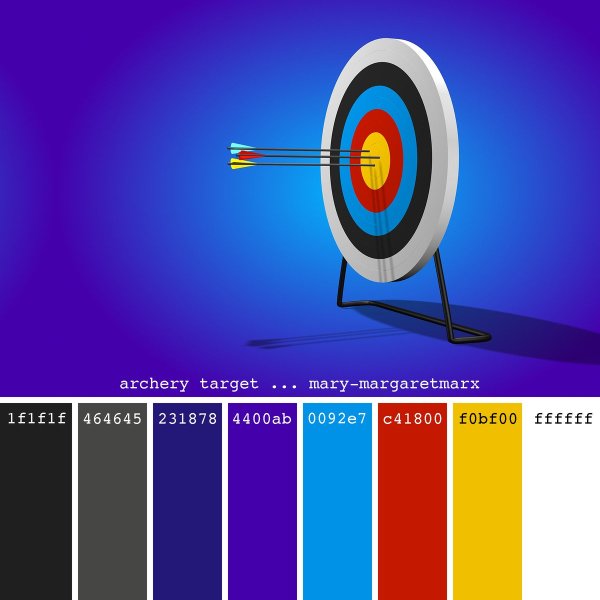
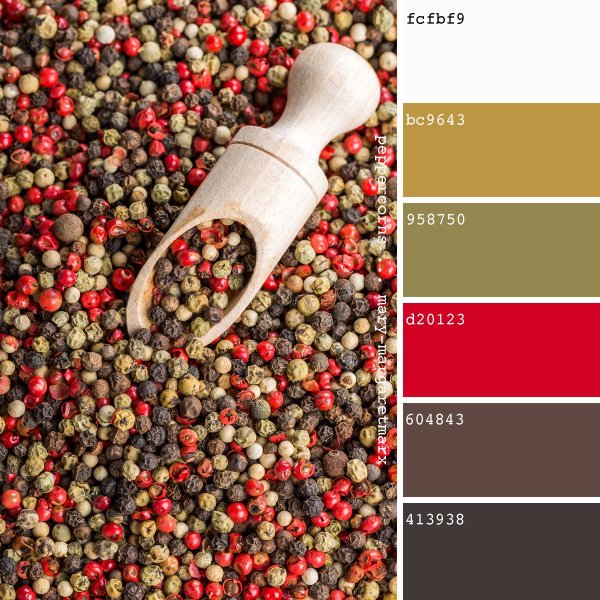
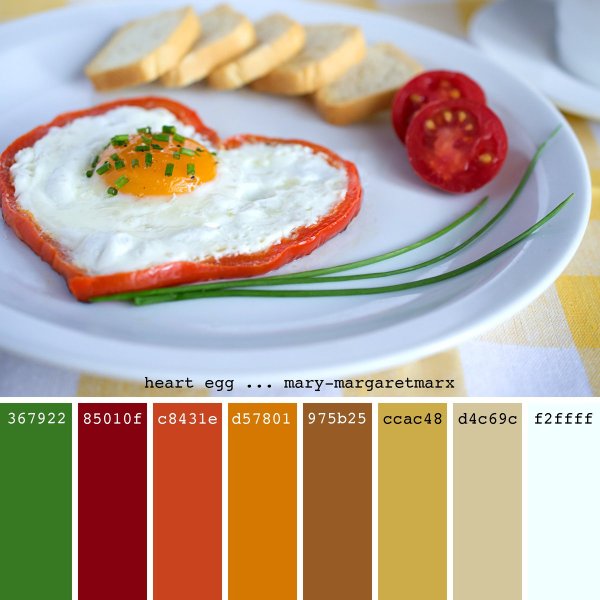
The next GCU Design Challenge (November) will be all about designing with Monochromatic colors. To give you some ideas I’ve gathered some websites and tools to explore.
Canva gives us useful tips on how to design with Monochromatic colors:
A handy tool to make monochrome palettes you can find Palleton:
Or Adobe Color CC:
Shutterstock talks about how Monochromatic Color Palettes Help You to Create Elegant Designs.
And when you do a search for Monochromatic Color Scheme on Pinterest you get more results than you can shake a stick at!
Always fun to learn new things, enjoy, enjoy, enjoy!
Nuts and Bolts: Custom Request Design Change

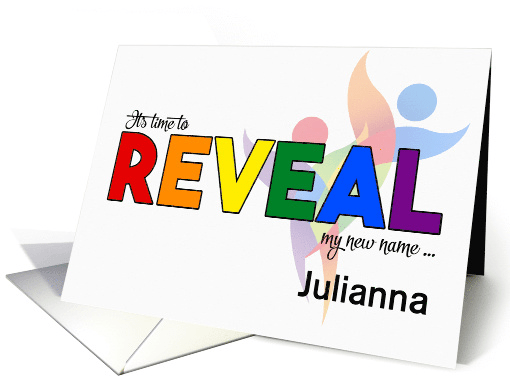
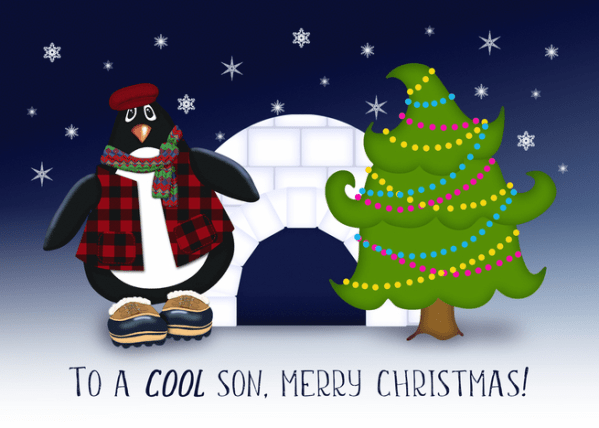
We’d like to share an impressive (and adorable) example by GCU artist Shoaff-Ballanger Studios.

Resulting Card:

Thank you so very much.
Here is a look back at some good tips to not miss any shopper requests.
GCU Community Manager
Wanted New Cards: Thank You Plastic / Cosmetic Surgeon
Plastic surgery is defined as a surgical specialty dedicated to reconstruction of facial and body defects due to birth disorders, trauma, burns, and disease. Plastic surgery is intended to correct dysfunctional areas of the body and is reconstructive in nature

Freebie Wednesday: Boatman Font
Freebie Wednesday:
Creative Fabrica has a new freebie up for grabs! The Boatman (by YdhraStudio) is an all caps, vintage display font inspired from classic whiskey labels and sing painting. It comes in 3 styles: regular, outline and stamped, which extends the design possibilities. Don’t wait too long, this offer will be good for the next 5 days only.


This product comes with a complete commercial license.
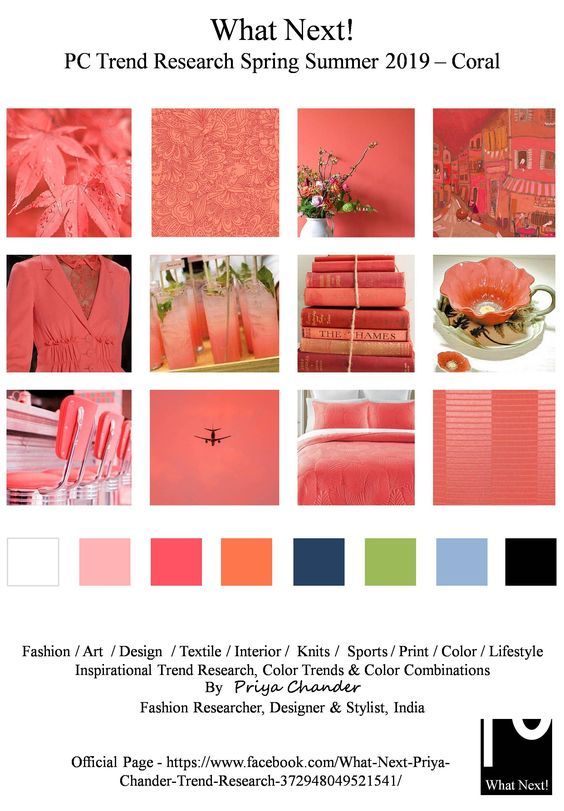
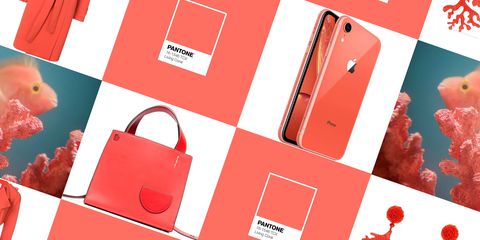
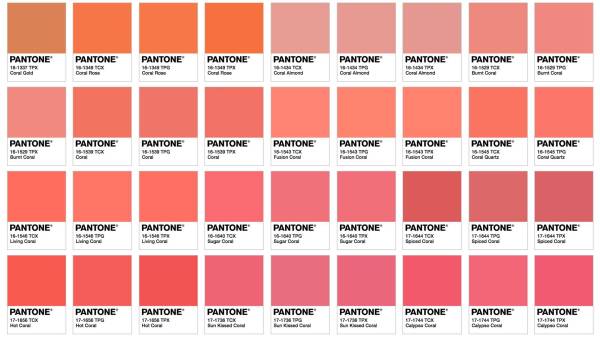
Rainbow Connection: Red Wedding
Red Wedding
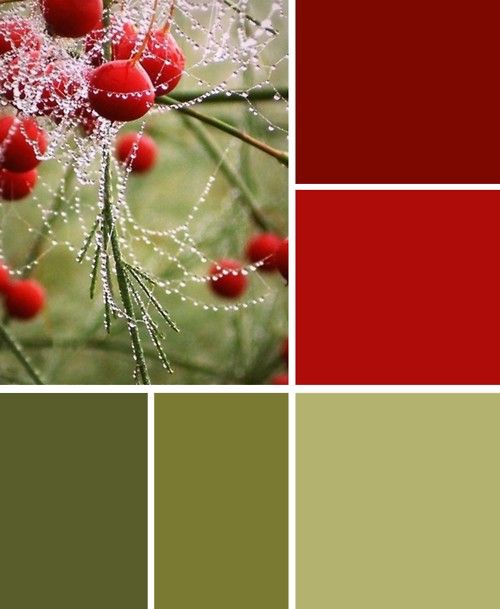
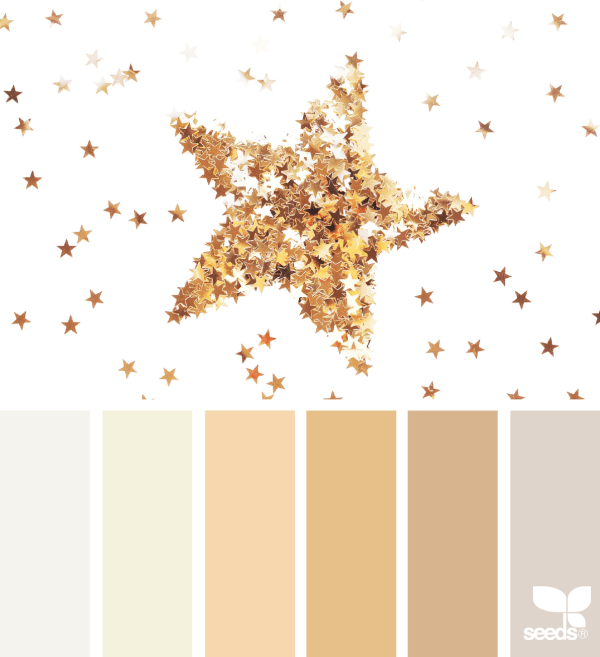
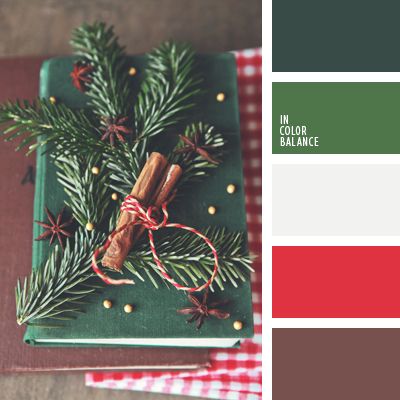
What it’s the first color that comes to your mind when you think about love? Of course , it is red, a color of valentine’s day! Bold, beautiful, warm and intimate, red can be that one color that really makes your fall and winter wedding pop. Here are some color ideas I picked up from the internet:


Nuts and Bolts: Word Cloud Art.
Nuts & Bolts – Word Cloud Art
Word Cloud art is very popular and still trending. A Word Cloud or Tag Cloud is simply a weighted list of terms displayed visually, originating from actual word clouds, which are a technological representation of related terms like keyword metadata or tags. They’ve now crept into the art world and resonate with people as they are quite literal and can be mesmerizing. A variation on word clouds is using different colors, sizes and fonts. As typical, with a traditional word cloud, more popular terms are larger in size. Some clever word clouds are fashioned in the shape of a related object.
There are many word cloud generator tools. Note these are purposeful for a variety of reasons like workplace presentations, classroom education, marketing and as we’ve discussed here artwork. You can also use desktop programs to create your own word cloud and use shaping tools. Since most desktop software do not have the ability to layer and place text, we suggest the following modification: You can create your own word cloud to emulate those created by generators, using creative software such as; Photoshop and Illustrator. The savvy artist is capable of layering lines of text into shapes and visual art which give the impression of word clouds.
Important to know that, however you create your Word Cloud art, as with all forms of art, your submissions must meet GCU’s submission guidelines.
Here are some tips, dos and don’ts when creating Word Cloud art for greeting cards that we hope are helpful to you:
– Don’t randomly and haphazardly put text all over the card front
– Limit the number of colors of text. Usually two, sometimes three is visually all the eye can focus on.
– Keep font choices down to two or perhaps three. See: https://gcucommunity.com/2014/02/13/tips-and-tricks-pairing-fonts/
– Use font styles to cause visual changes within the same font family such as; italics, bold, uppercase, lowercase lettering.
– Varying font sizes is also a way to create visual impact.
– Be sure to make a new and unique design.
An additional note: If a word cloud generator tool is used, be sure to not only read through the Terms of Use for resale, but be prepared to provide links to the TOU in your Notes to Reviewer.
The key is to create balance and harmony while not stepping over the line into chaos.
This type of style needs to have some text which clearly makes a statement while be supported by the rest of the words on the page.
Typography rules still apply. See: https://gcucommunity.com/2018/03/07/dash-of-inspiration-typography-the-golden-rules-2/
Here are some generated word clouds which work:
Here are some examples on GCU that work:


See this related post on GCU’s submission guideline for Typography: Font Combination:
https://gcucommunity.com/2013/05/27/dash-of-inspiration-typography-font-combination/
GCU Community Manager
Wanted New Cards: Beauty Tech Holiday Cards

We’d like you to create at least one card for these categories using the Stock Cards function (Bigstock) or your own graphic designs.
Remember, when you’re submitting your new card, add a little note about the intended category in your Notes to Reviewers. Be inventive, be clever, be creative. Go for it!